Shop the look
A lifestyle image with up to six product hotspots. Tapping a dot opens a small product card, and a product list beside the image shows the same items.
- Category
- Product and collection discovery
- Use on
- Home, Collection, Landing pages, Blog posts
- Reads
- Products
- Size
- 44 KB, small script included
- License
- MIT, free for client work
In short
Shop the look is a free Shopify section that puts clickable product hotspots on a lifestyle image and lists the same products beside it. Each dot opens a small card with image, price and a link, the list works even without JavaScript, and it runs in Online Store 2.0 themes without an app.
When to use it
- Home page room or outfit scene that links straight to every product in the photo
- Collection page banner showing how pieces from the range work together
- Lookbook or campaign landing page, one section per scene
In the theme editor
- Heading, heading tag and size, text, list title and card link label
- Separate desktop and mobile image, image shape per device, corner radius
- Up to 6 product hotspots with position in percent and an optional mobile position and label
- Hotspot style (dot, plus or number), size and colors; card background and text colors
- Product list next to or below the image, image left or right, image width
- Optional button under the list: solid, outline or text link, new tab
- Background color or gradient, text, accent and sale price colors
- Top and bottom padding per device, show on desktop/mobile only, anchor ID
- Pulse animation on the hotspots
Files
sections/lib-shop-the-look.liquidView the code
snippets/lib-image.liquidView the code
snippets/lib-button.liquidView the code
Written in plain Liquid, CSS and, where needed, a small script. No app, no dependencies.
How to add it to your theme
- Copy the section file into your theme’s sections folder, and any snippet it lists into snippets.
- In the theme editor, choose Add section and pick the one that starts with “Lib ·”.
- Replace the sample text with your store’s own, and set the colors to match your brand.
Questions
- How many products can one image have?
- Up to six. Each hotspot is a block with a product, an optional label and a horizontal and vertical position in percent of the image.
- Can the dots sit in different places on mobile?
- Yes. You can upload a separate mobile image (used below 750px), and each hotspot has an optional mobile position, so dots stay on their objects when the mobile crop differs.
- What happens when someone taps a hotspot?
- A small product card opens next to the dot, on the side with room, and the product is highlighted in the list. Only one card is open at a time; Escape, the close button or a click outside closes it. Hotspots are buttons with aria-expanded and an accessible name such as "Show Speckled bud vase".
- Does it work without JavaScript?
- The product list is plain HTML with a link, image and price for every product, so shoppers and search engines can reach each product even if the script does not run. Only the pop-up cards need JavaScript, a small custom element with no libraries.
- What if a hotspot has no product selected?
- In the theme editor it shows a placeholder card with a sample title and price so you can position it. On the live store a hotspot without a product is not rendered.
Before you publish
- The text in the demos is sample content. Replace it with facts about your own store before you publish.
- Animations are switched off for visitors who ask for reduced motion.
- Every file is checked with Shopify Theme Check before it is published here.
Need it adapted to your theme, or a section that isn’t here? See Shopify theme development.
More sections
Product and collection discovery
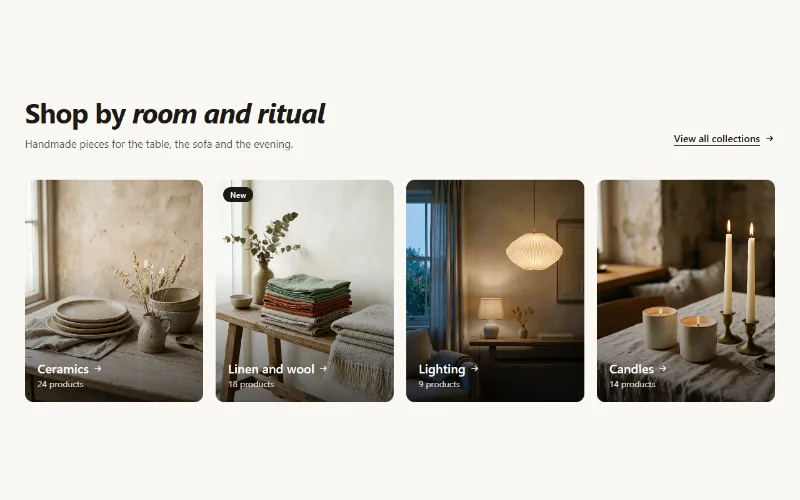
Collection cards
Up to eight collection cards with image, title, label and product count. Text over the image or below it, 2 to 5 columns, or a swipeable row on mobile.
Product and collection discovery
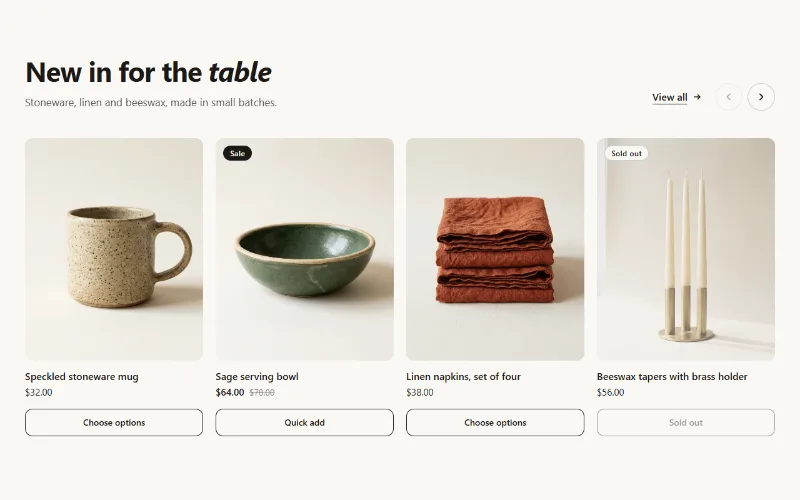
Featured collection
Product cards from one collection as a grid or swipeable carousel, with hover image, sale and sold-out badges, and a quick add button.
Hero and banners
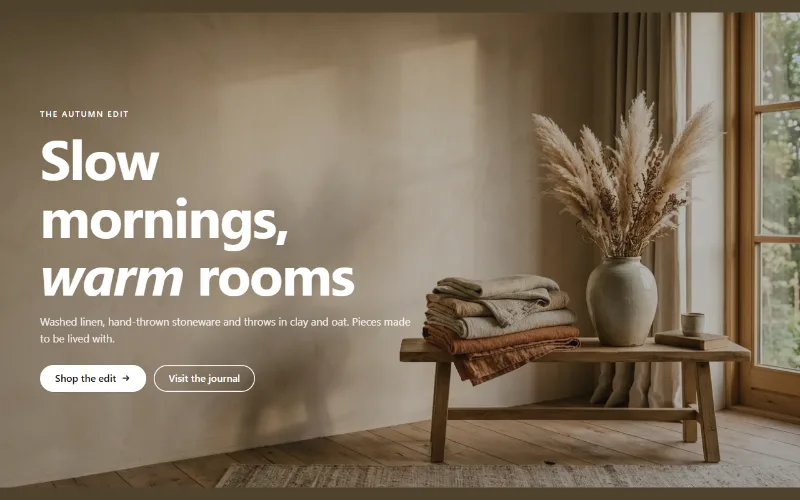
Hero banner
A full-bleed image banner with eyebrow, heading, text and two buttons over it, a separate mobile image, overlay, nine content positions and height per device.
