Free Shopify sections
Drop-in Liquid sections for Online Store 2.0 themes. Copy a file into your theme, add the section in the theme editor and set the colors. No app and no build step.
In short
These are free Liquid section files for Shopify themes that use JSON templates. Each one carries its own CSS, settings and sample content, so it works without changes to the rest of the theme. Fonts come from your theme.
- 22 sections, free to use in any store, including client work (MIT license)
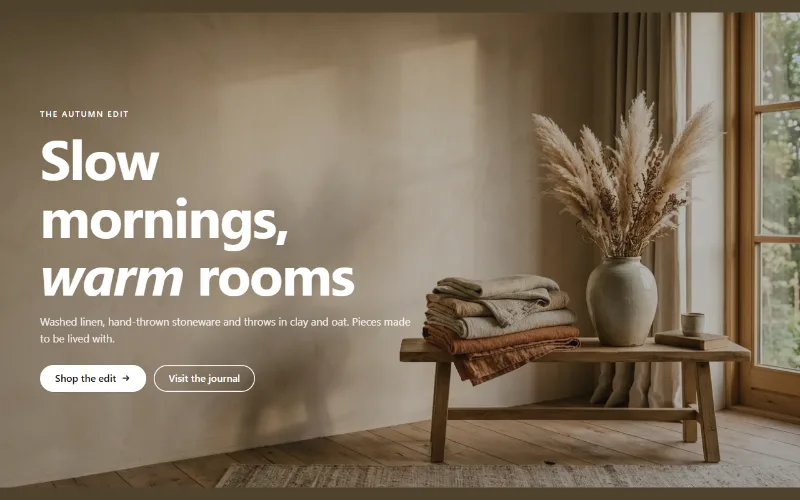
Hero and banners
Hero banner
A full-bleed image banner with eyebrow, heading, text and two buttons over it, a separate mobile image, overlay, nine content positions and height per device.
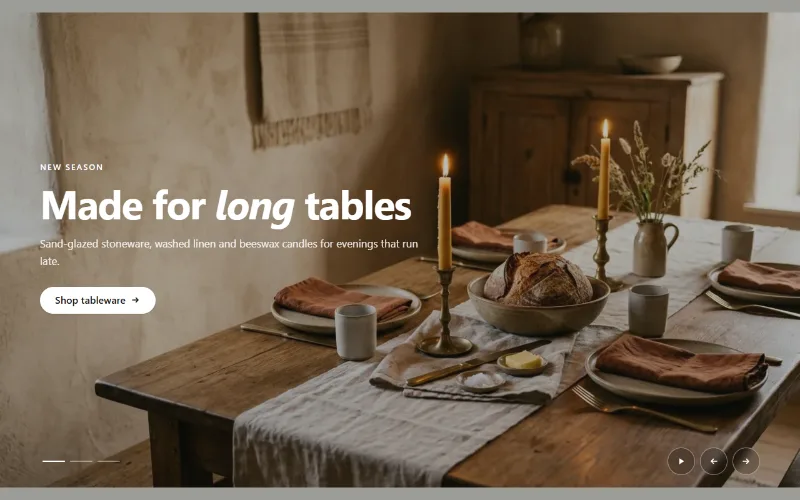
Hero and banners
Hero slideshow
A full-width hero slideshow of up to six slides, each with its own desktop and mobile image, overlay, text and button. Swipe, autoplay, arrows and dots.
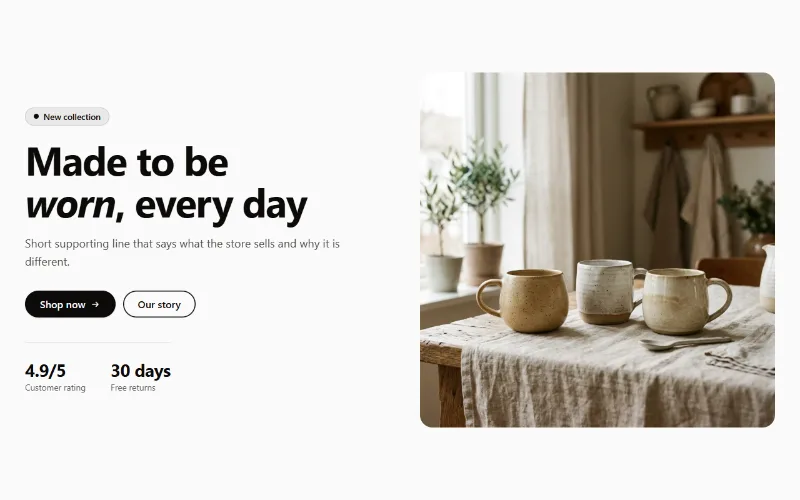
Hero and banners
Hero split
A split hero: badge, headline, supporting text, two buttons, up to three short stats and an image on either side, with a separate image for mobile.
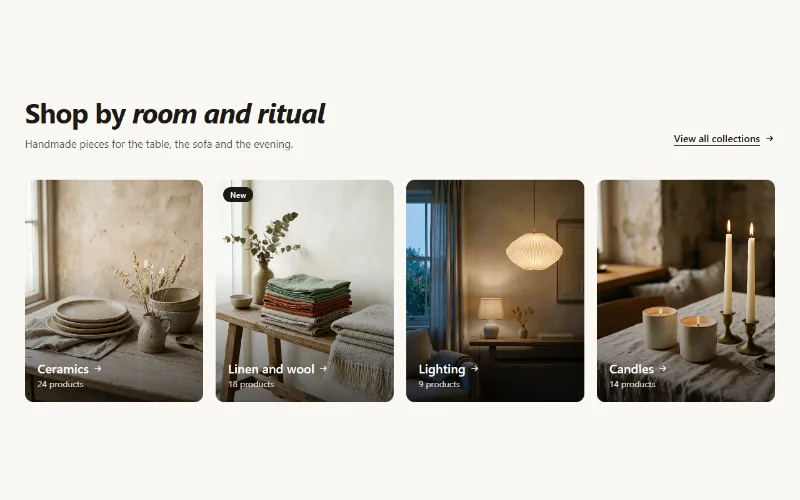
Product and collection discovery
Collection cards
Up to eight collection cards with image, title, label and product count. Text over the image or below it, 2 to 5 columns, or a swipeable row on mobile.
Product and collection discovery
Featured collection
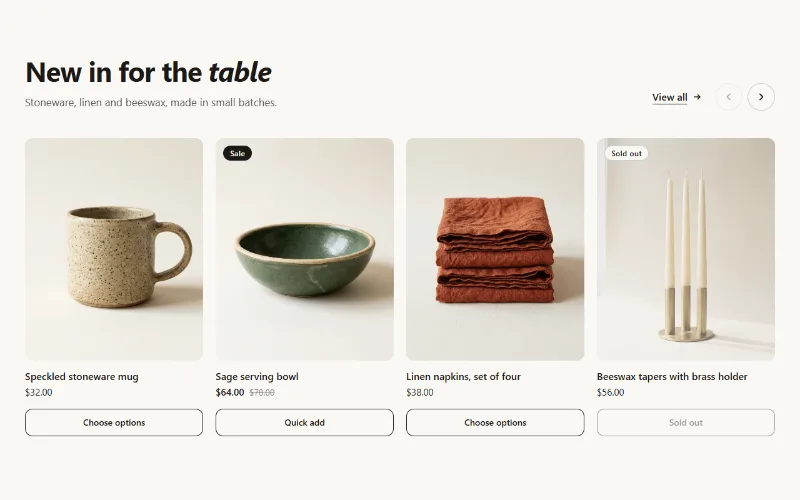
Product cards from one collection as a grid or swipeable carousel, with hover image, sale and sold-out badges, and a quick add button.
Product and collection discovery
Shop the look
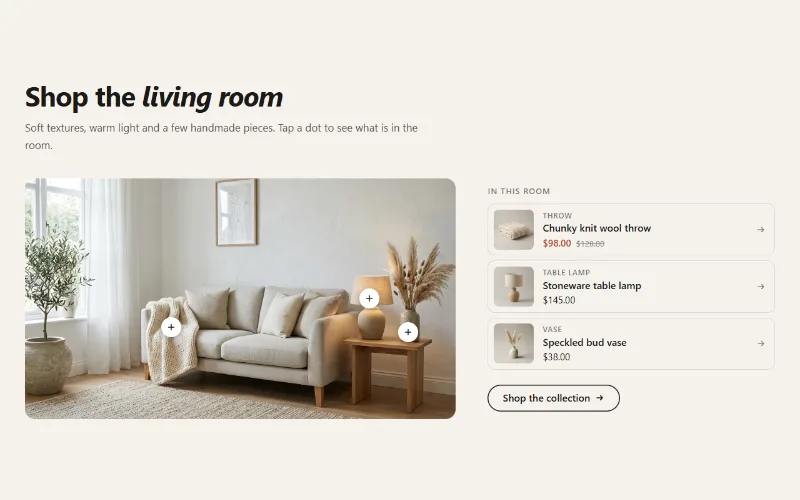
A lifestyle image with up to six product hotspots. Tapping a dot opens a small product card, and a product list beside the image shows the same items.
Product page
Before / after slider
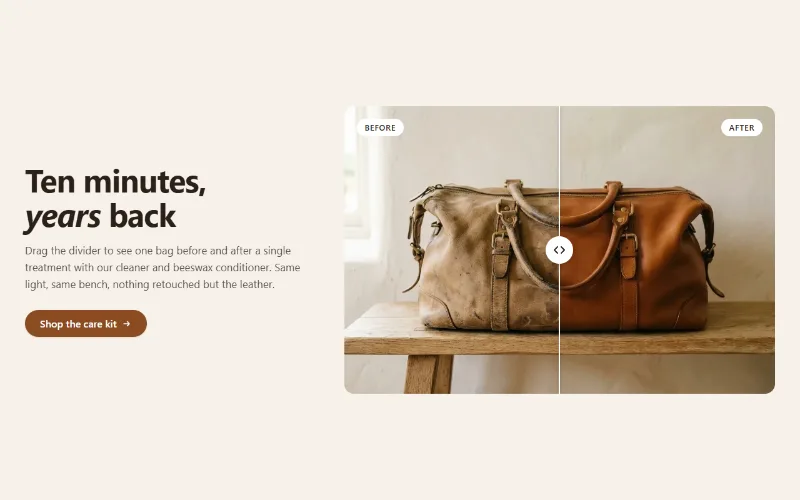
Two photos in one frame with a draggable divider, so shoppers can compare before and after. Keyboard and screen reader friendly, with separate mobile images.
Product page
Product tabs
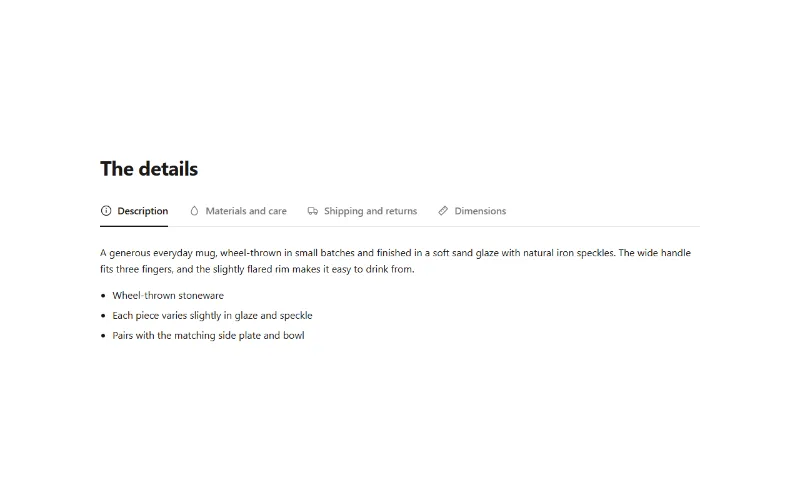
Up to 6 product info tabs from your own text, the product description, a page or a metafield. Tabs on desktop, accordion on mobile.
Product page
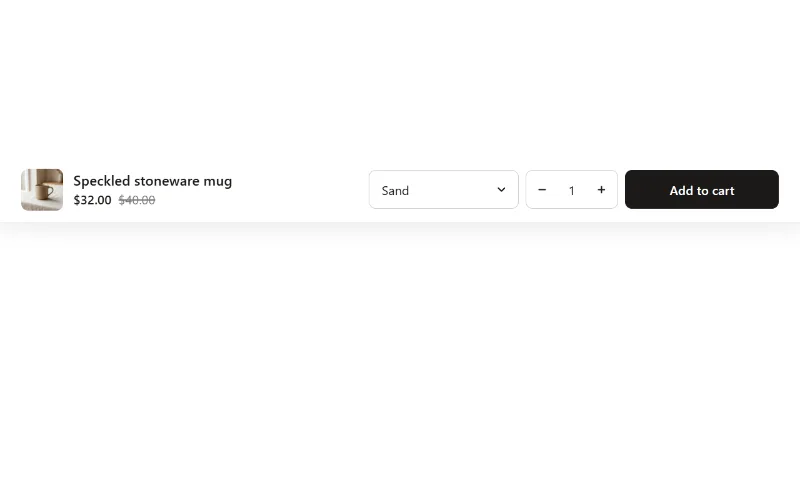
Sticky add to cart
Add to cart bar fixed to the bottom or top of the screen that appears once the main buy button scrolls away, with variant select and quantity.
Social proof and trust
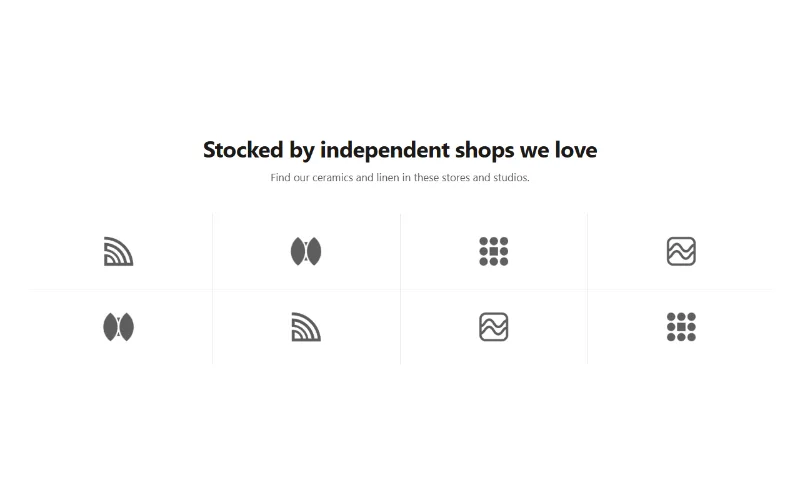
Logo cloud
A static grid or row of press, partner or stockist logos with grayscale-to-color hover, separator lines or cards, and logo height per device.
Social proof and trust
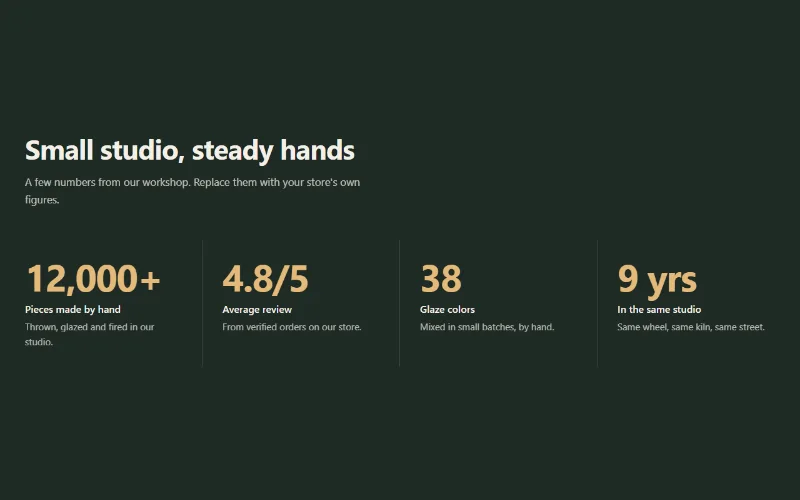
Stats counter
Up to 6 figures with label, description and icon that count up when scrolled into view. Row with dividers, cards, or big numbers beside the heading.
Social proof and trust
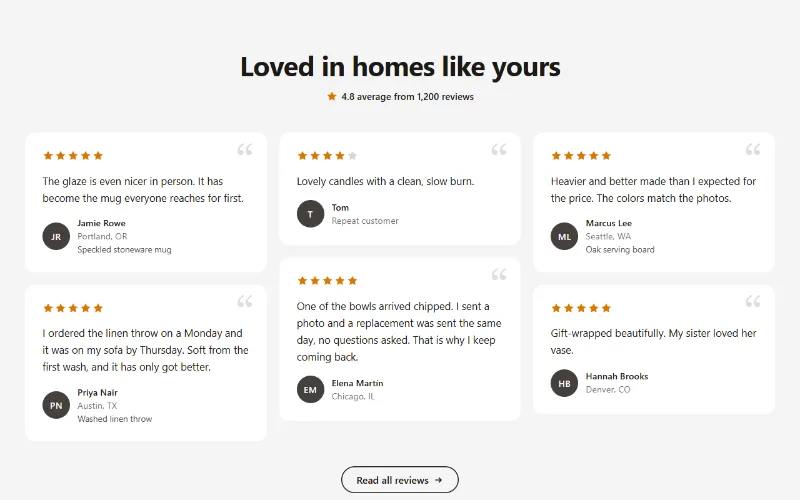
Testimonials
Customer quotes with star ratings, names and initials avatars in a grid, a masonry wall or a swipeable row with arrow buttons.
Social proof and trust
Trust badges
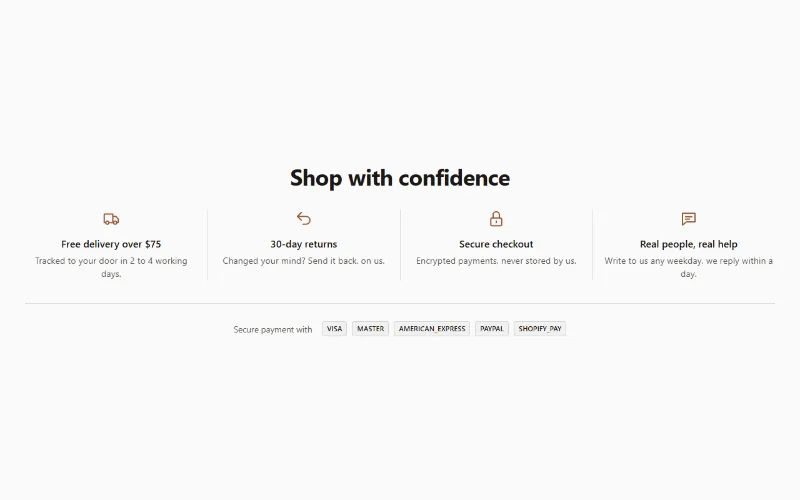
Row of trust points (delivery, returns, secure checkout) with line icons, short text and links, plus your store's accepted payment icons.
Content and storytelling
Feature cards
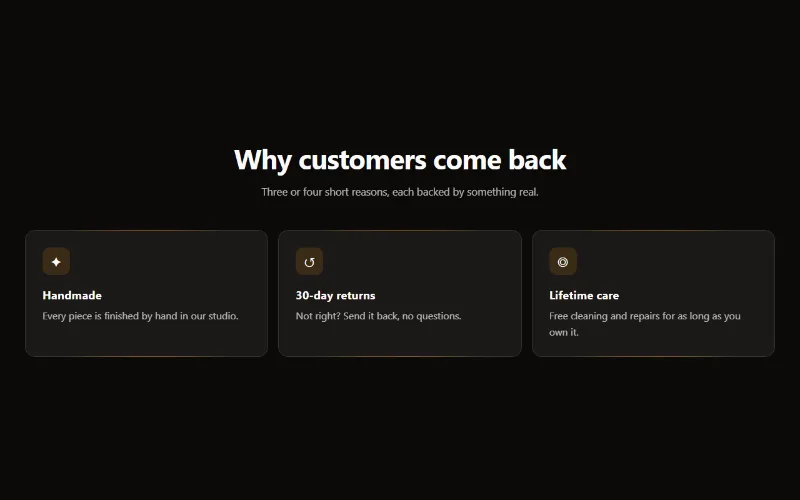
Two to four columns of cards with an icon, title and text. On desktop a soft glow follows the pointer; on touch screens the cards show without it.
Content and storytelling
Image with text
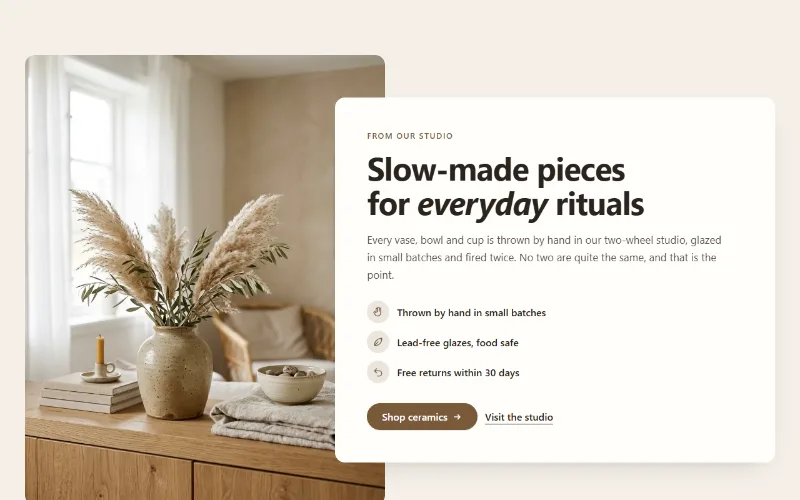
An image beside a heading, text, up to four icon points and two buttons. Set image width, side and shape; the text can sit in a card that overlaps the image.
Content and storytelling
Marquee
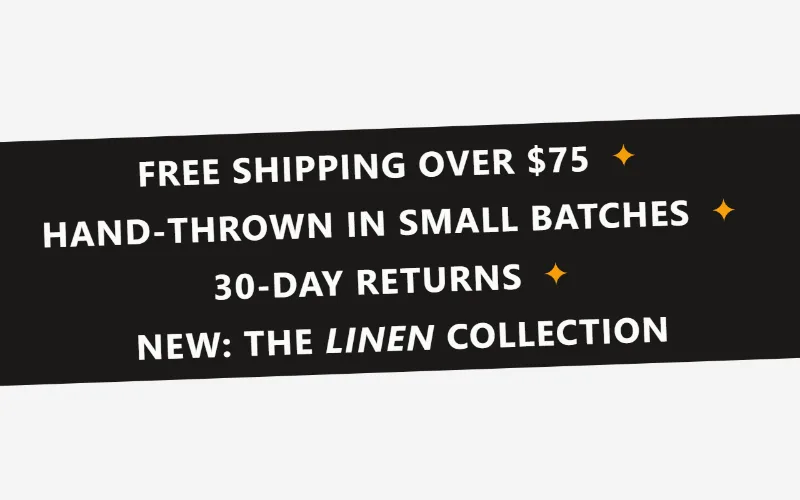
An endlessly scrolling strip of text, icons or logos. Use it as a ticker, an announcement band or a logo wall. Pure CSS motion with a pause button.
Content and storytelling
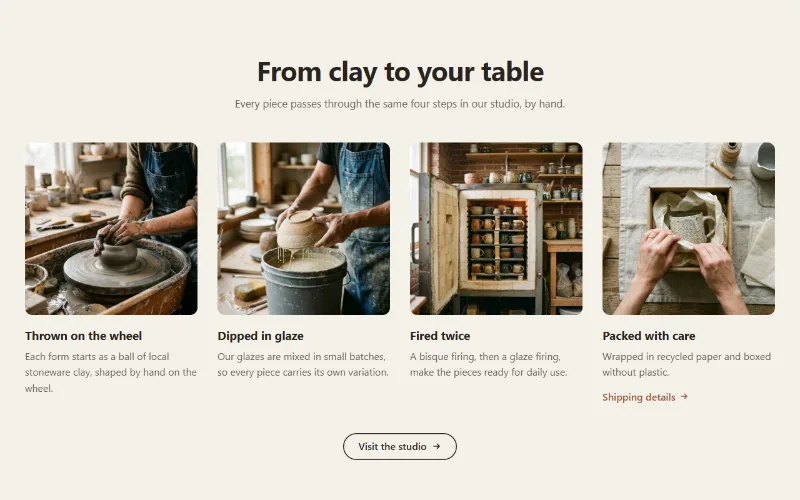
Multicolumn
Up to 12 columns with image or icon, heading, text and link. 2 to 6 columns on desktop; one, two or a swipeable row on mobile. Plain, filled or outlined cards.
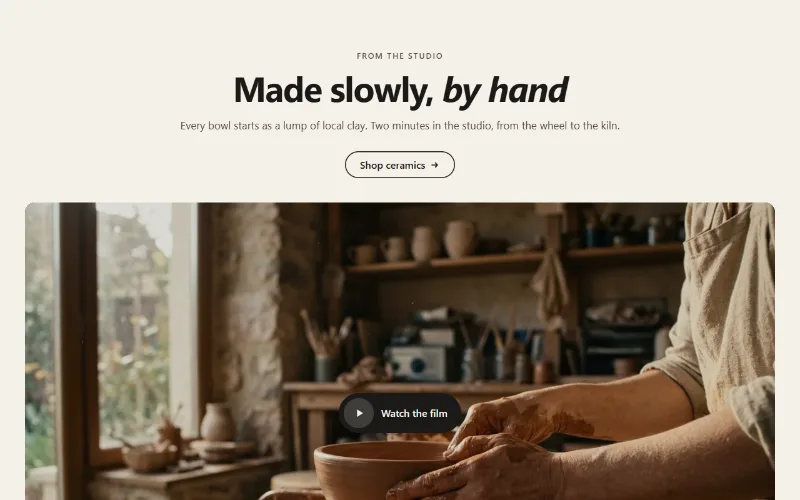
Image and video
Video
A Shopify, YouTube or Vimeo video as an inline player, a muted background loop, or a poster that opens a lightbox. Nothing loads until play.
Conversion and offers
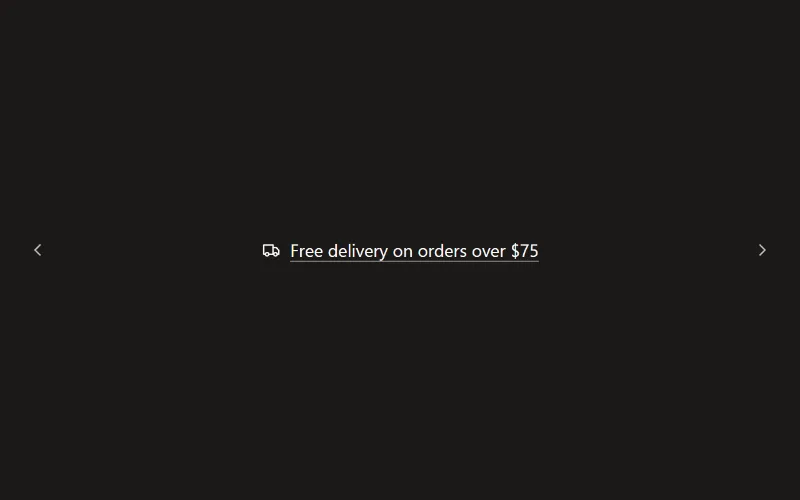
Announcement bar
Slim bar with up to six messages that rotate with a fade or slide, optional arrows, icons, links and a close button that remembers each campaign.
Conversion and offers
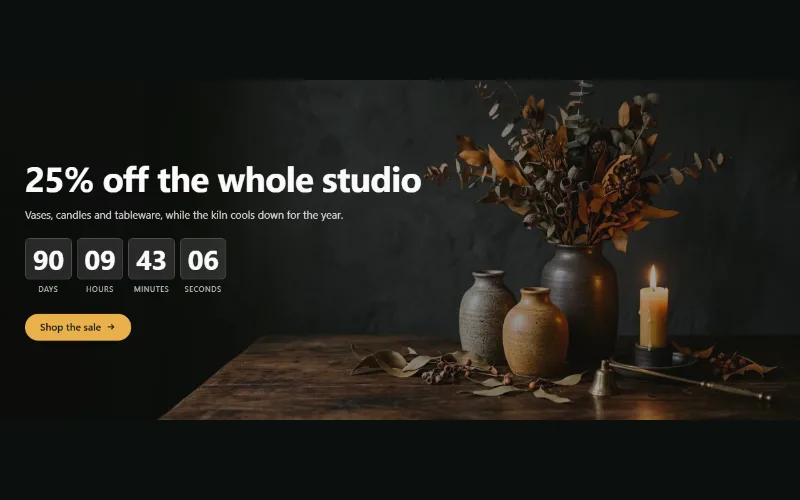
Countdown banner
Sale or launch banner with a live countdown to a set date and time: bar, banner or split layout, background image per device and a chosen end state.
Forms and newsletter
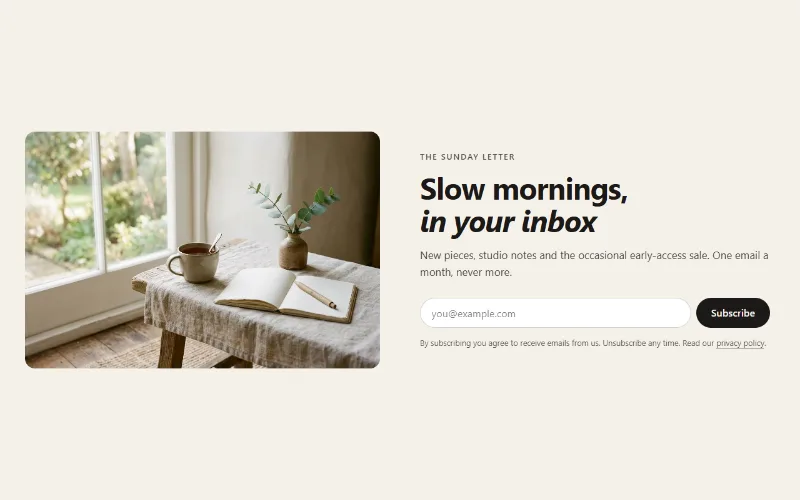
Newsletter signup
An email signup that saves subscribers as Shopify customers tagged newsletter, in a centered, split-image or image-banner layout. No app or JavaScript.
Navigation and utility
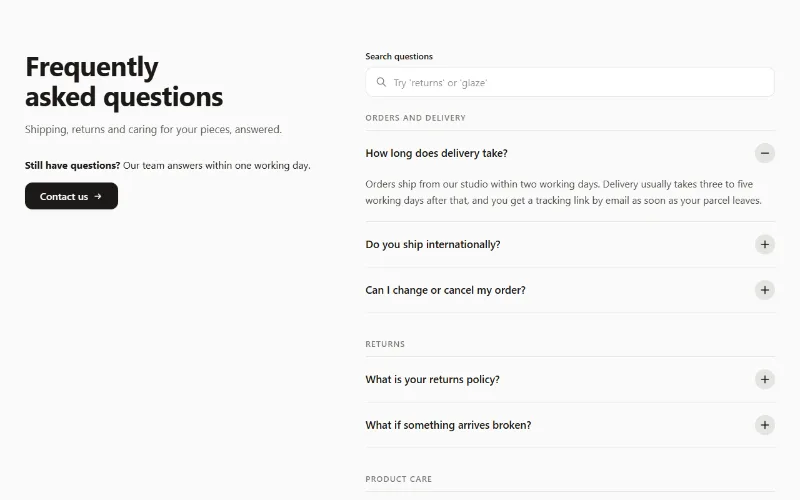
FAQ accordion
FAQ accordion on native details elements: up to 30 questions, optional groups, search filter, one-open mode and optional FAQPage structured data.
