Hero split
A split hero: badge, headline, supporting text, two buttons, up to three short stats and an image on either side, with a separate image for mobile.
- Category
- Hero and banners
- Use on
- Home, Landing pages
- Reads
- Content only
- Size
- 22 KB, no JavaScript
- License
- MIT, free for client work
In short
Hero split is a free Shopify section that places a heading, supporting text and up to two buttons beside an image, with optional stats. It takes a separate mobile image with its own focal point, sets padding and alignment per device, and works in Online Store 2.0 themes without an app.
When to use it
- Home page opener for a new collection or a brand statement
- Campaign or product-line landing page
- Top of an About, Wholesale or other page template where text needs an image beside it
In the theme editor
- Badge, heading, text; heading tag (H1–H3) and size
- Separate desktop and mobile image, each with its own focal point
- Image left or right, image shape per device, text or image first on mobile
- Two buttons: solid, outline or text link, optional new tab
- Up to 3 stat blocks
- Text alignment per device, page or full width
- Background color or gradient, text and accent colors
- Top and bottom padding per device, show on desktop/mobile only, anchor ID
- Load animation toggle
Files
sections/lib-hero-split.liquidView the code
snippets/lib-button.liquidView the code
snippets/lib-image.liquidView the code
Pattern adapted from shadcn/ui hero blocks, rewritten in plain Liquid and CSS.
How to add it to your theme
- Copy the section file into your theme’s sections folder, and any snippet it lists into snippets.
- In the theme editor, choose Add section and pick the one that starts with “Lib ·”.
- Replace the sample text with your store’s own, and set the colors to match your brand.
Questions
- Can I show a different image on mobile?
- Yes. Add a mobile image and it is shown on screens narrower than 750px; each image keeps the focal point you set in the theme editor. Without a mobile image the desktop image is used everywhere.
- Should the heading be an H1?
- Only when the hero is the main heading of the page. The heading tag setting offers H1, H2, H3 or a paragraph and defaults to H2, so it does not compete with a heading your theme already outputs.
- Does it slow the page down?
- The section ships no JavaScript. When it is one of the first two sections on a page the image loads eagerly with high fetch priority; further down it loads lazily, in line with Shopify’s advice not to lazy-load the largest image above the fold.
- Which themes does it work in?
- Themes that use JSON templates (Online Store 2.0). The section brings its own CSS and color settings and takes its fonts from your theme.
Before you publish
- The text in the demos is sample content. Replace it with facts about your own store before you publish.
- Animations are switched off for visitors who ask for reduced motion.
- Every file is checked with Shopify Theme Check before it is published here.
Need it adapted to your theme, or a section that isn’t here? See Shopify theme development.
More sections
Hero and banners
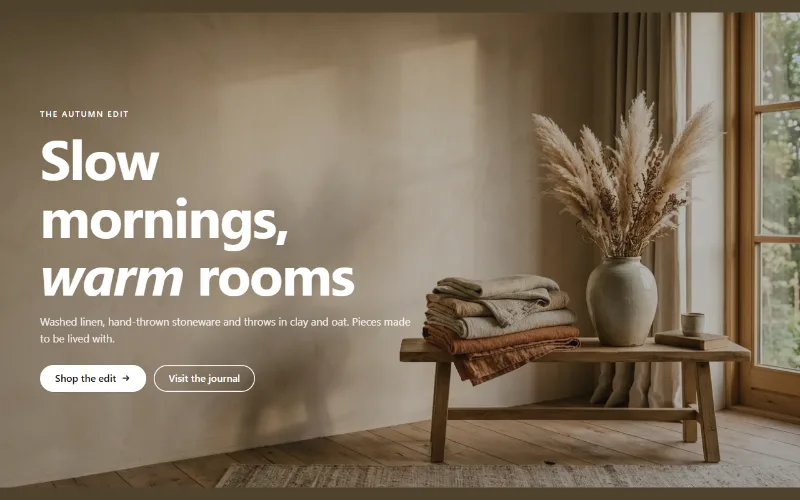
Hero banner
A full-bleed image banner with eyebrow, heading, text and two buttons over it, a separate mobile image, overlay, nine content positions and height per device.
Hero and banners
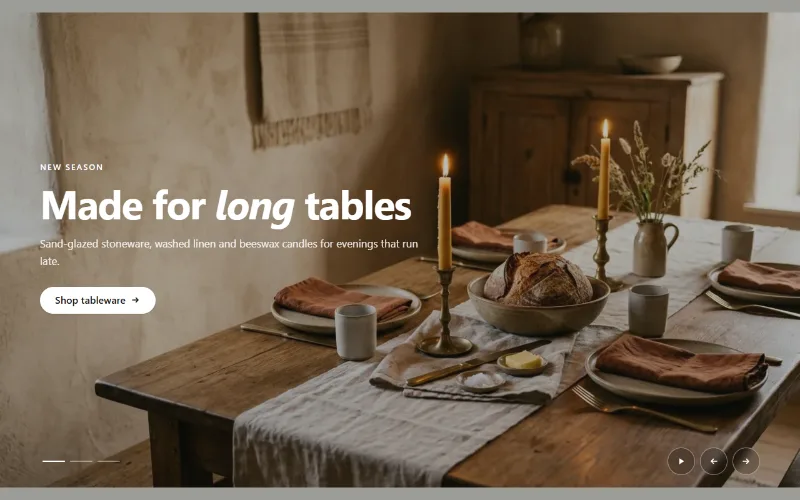
Hero slideshow
A full-width hero slideshow of up to six slides, each with its own desktop and mobile image, overlay, text and button. Swipe, autoplay, arrows and dots.
Product and collection discovery
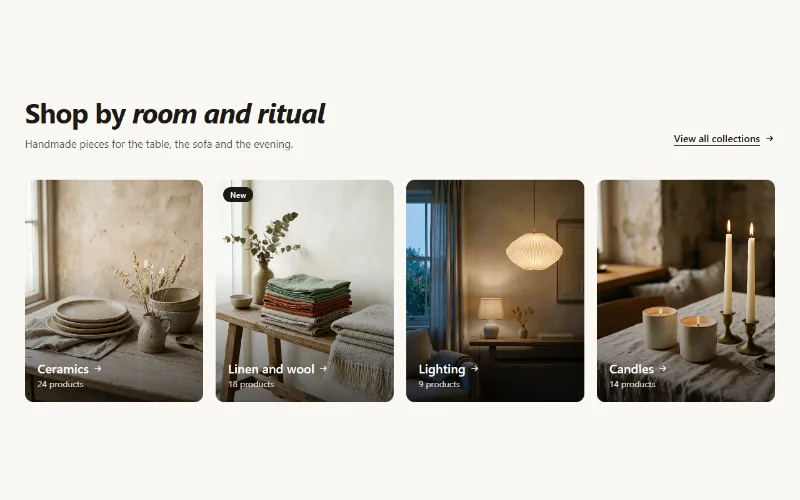
Collection cards
Up to eight collection cards with image, title, label and product count. Text over the image or below it, 2 to 5 columns, or a swipeable row on mobile.
