Hero banner
A full-bleed image banner with eyebrow, heading, text and two buttons over it, a separate mobile image, overlay, nine content positions and height per device.
- Category
- Hero and banners
- Use on
- Home, Collection, Landing pages
- Reads
- Content only
- Size
- 27 KB, no JavaScript
- License
- MIT, free for client work
In short
Hero banner is a free Shopify section that puts an eyebrow, heading, text and up to two buttons over a full-width image. It takes a separate mobile image, an adjustable overlay, nine content positions on desktop and three on mobile, and a height per device, and works in Online Store 2.0 themes without an app.
When to use it
- Home page opener for a seasonal edit or a new collection
- Campaign banner at the top of a landing page or collection template
- A single clickable image banner that links to a sale or lookbook, with no buttons
In the theme editor
- Eyebrow, heading, text; heading tag (H1–H3 or paragraph) and size
- Separate desktop and mobile image, each with its own focal point
- Overlay color and opacity
- Height per device: small, medium, large, full screen or adapt to image
- Content position: 9 positions on desktop, top/middle/bottom and alignment on mobile
- Content box: none or a solid card with its own colors; content max width
- Two buttons (solid, outline or text link, optional new tab), or one link for the whole banner
- Full or page width with corner radius; background, text and button colors
- Top and bottom padding per device, show on desktop/mobile only, anchor ID, load animation
Files
sections/lib-hero-banner.liquidView the code
snippets/lib-image.liquidView the code
snippets/lib-button.liquidView the code
Written in plain Liquid, CSS and, where needed, a small script. No app, no dependencies.
How to add it to your theme
- Copy the section file into your theme’s sections folder, and any snippet it lists into snippets.
- In the theme editor, choose Add section and pick the one that starts with “Lib ·”.
- Replace the sample text with your store’s own, and set the colors to match your brand.
Questions
- Can I use a different image on mobile?
- Yes. Add a mobile image and it replaces the desktop image below 750px, each with the focal point you set in the theme editor. Without one, the desktop image is cropped to fit.
- How do I keep the text readable on a bright photo?
- Raise the overlay opacity (0 to 90 percent, in any color), or switch the content box to a solid card with its own background and text color.
- What does "Adapt to image" height do?
- The banner takes the shape of the uploaded image instead of a fixed height, using the mobile image's proportions on mobile when one is set. If the text is taller than that shape, the banner grows to fit it.
- Can the whole banner be a link?
- Yes. Leave both button labels empty and fill in the whole banner link; the entire image then becomes one link, labelled with the heading for screen readers.
- Does it slow the page down?
- The section ships no JavaScript. When it is one of the first two sections on a page the image loads eagerly with high fetch priority; further down it loads lazily.
Before you publish
- The text in the demos is sample content. Replace it with facts about your own store before you publish.
- Animations are switched off for visitors who ask for reduced motion.
- Every file is checked with Shopify Theme Check before it is published here.
Need it adapted to your theme, or a section that isn’t here? See Shopify theme development.
More sections
Hero and banners
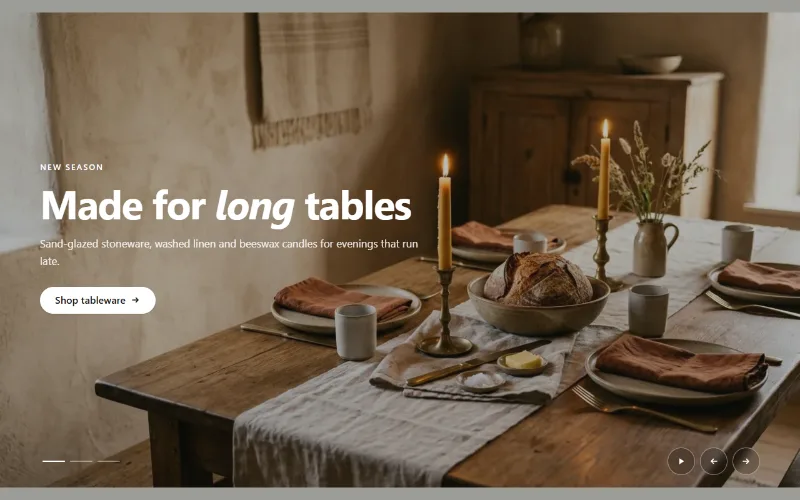
Hero slideshow
A full-width hero slideshow of up to six slides, each with its own desktop and mobile image, overlay, text and button. Swipe, autoplay, arrows and dots.
Hero and banners
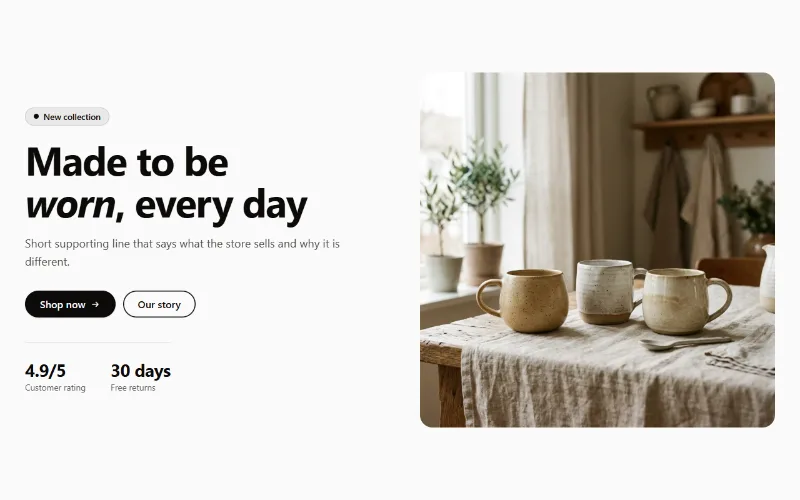
Hero split
A split hero: badge, headline, supporting text, two buttons, up to three short stats and an image on either side, with a separate image for mobile.
Product and collection discovery
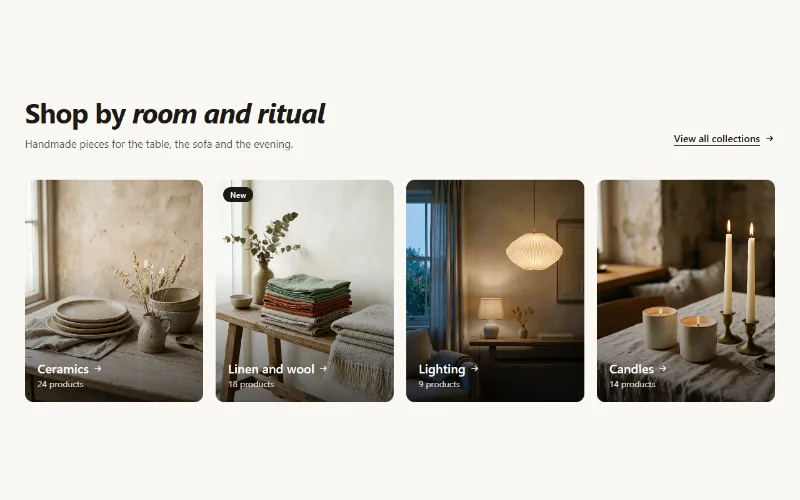
Collection cards
Up to eight collection cards with image, title, label and product count. Text over the image or below it, 2 to 5 columns, or a swipeable row on mobile.
