Free Shopify product page sections
Free Liquid sections for Shopify product pages: size charts, comparison tables, highlights, shipping info, bundles and sticky add to cart, with demos.
In short
Product page sections sit around the buy box and answer the questions a shopper has before adding to cart: how it compares, what it is made of, how to care for it, how it ships, and what goes well with it in a bundle added to the cart in one click. They work on product templates and, where useful, on any page with a product picker.
- 8 sections in this category, free to use in any store (MIT license)
Product page
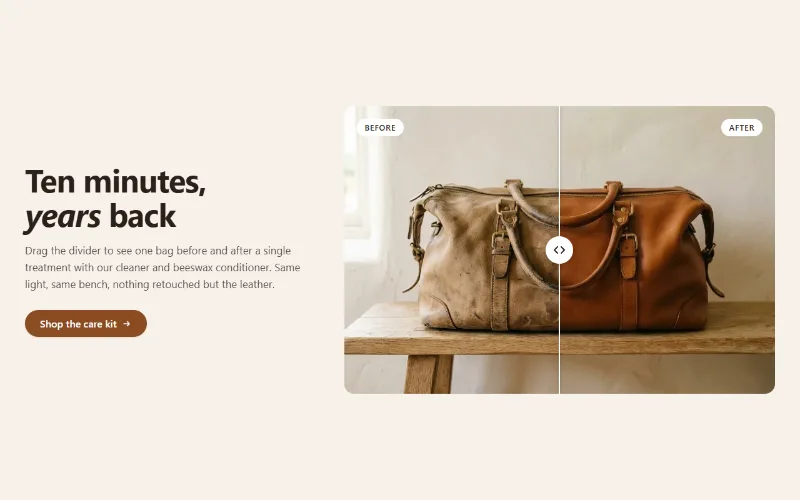
Before / after slider
Two photos in one frame with a draggable divider, so shoppers can compare before and after. Keyboard and screen reader friendly, with separate mobile images.
Product page
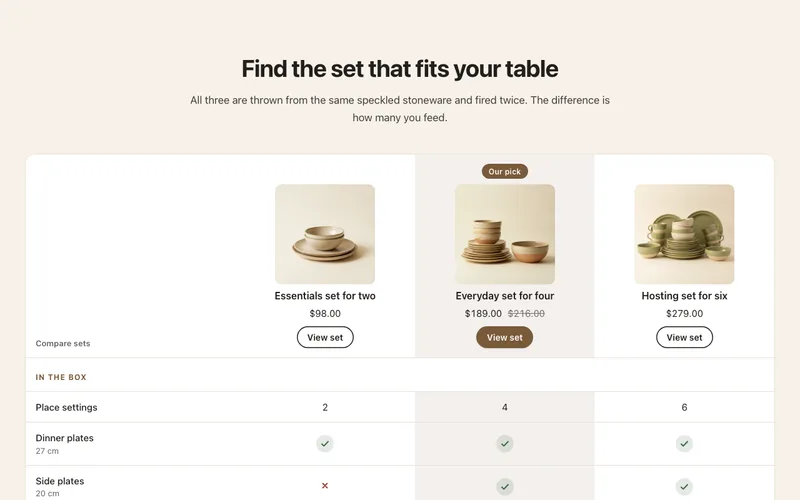
Comparison table
Compare 2 to 4 products or plans by feature rows with check, cross and text cells, a highlighted column and a sticky feature column on mobile.
Product page
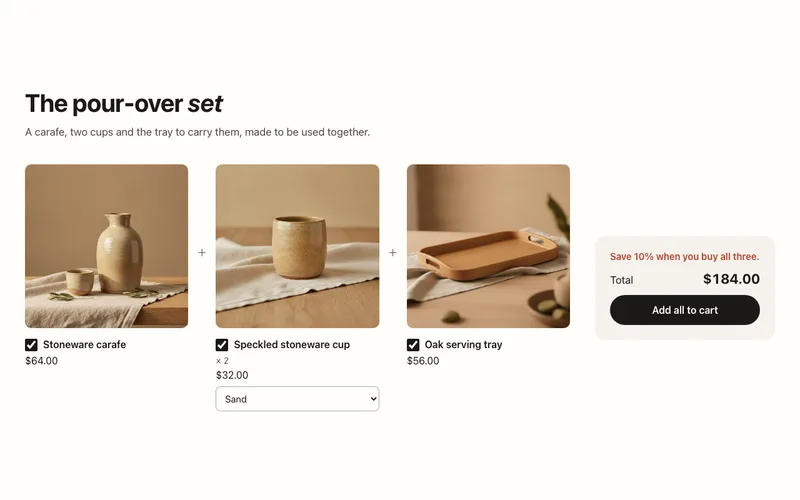
Product bundle
Buy-it-together bundle of two or three products with variant menus, a live total and one Add all to cart button through the Cart AJAX API.
Product page
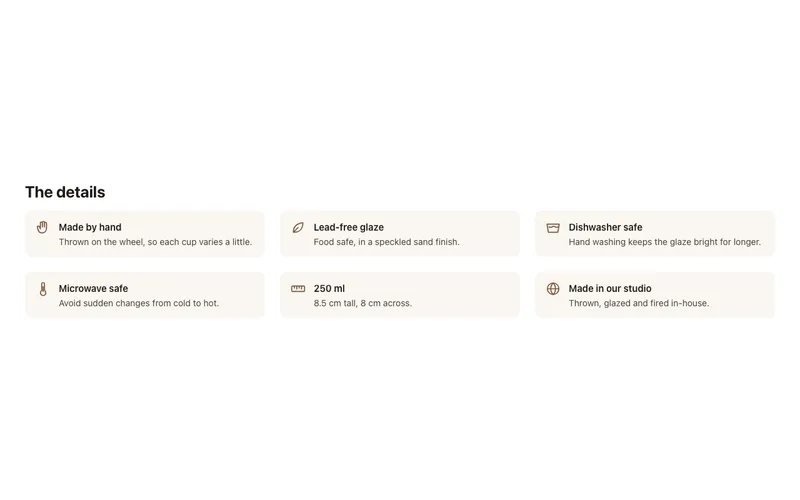
Product highlights
Icon points under the buy box for material, care, origin, size or warranty, typed or linked to product metafields. Empty points hide per product.
Product page
Product tabs
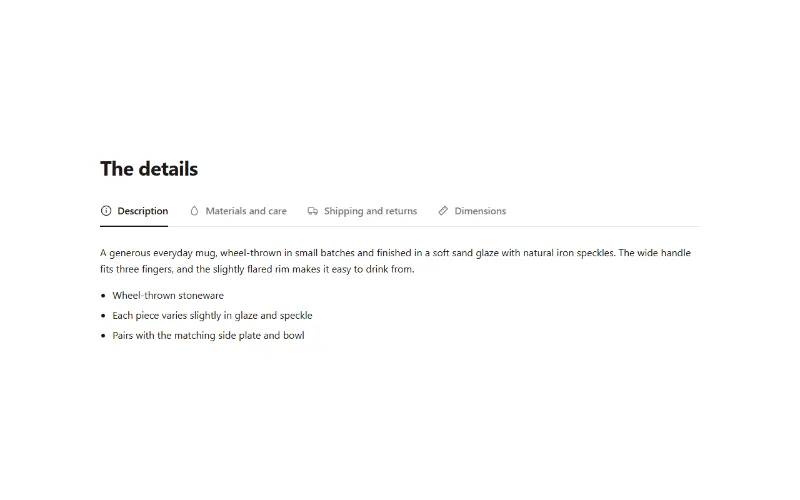
Up to 6 product info tabs from your own text, the product description, a page or a metafield. Tabs on desktop, accordion on mobile.
Product page
Shipping and returns
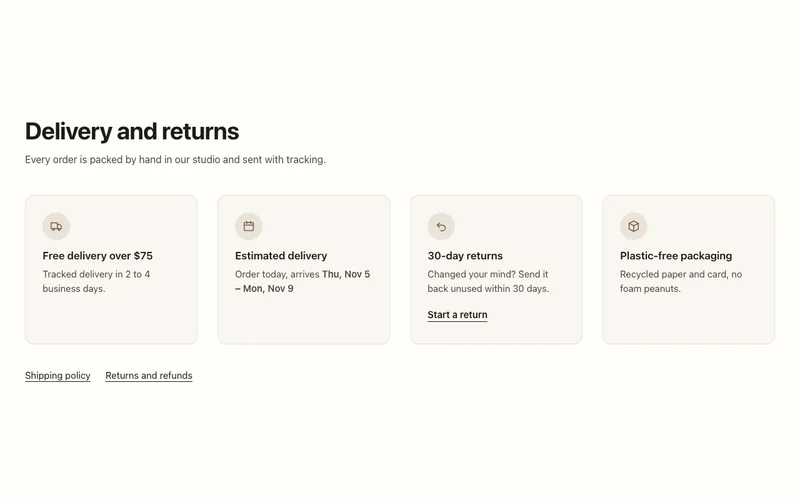
Delivery times, thresholds and the returns promise as icon points, a delivery date estimate from your own day counts, and links to the store's policies.
Product page
Size chart
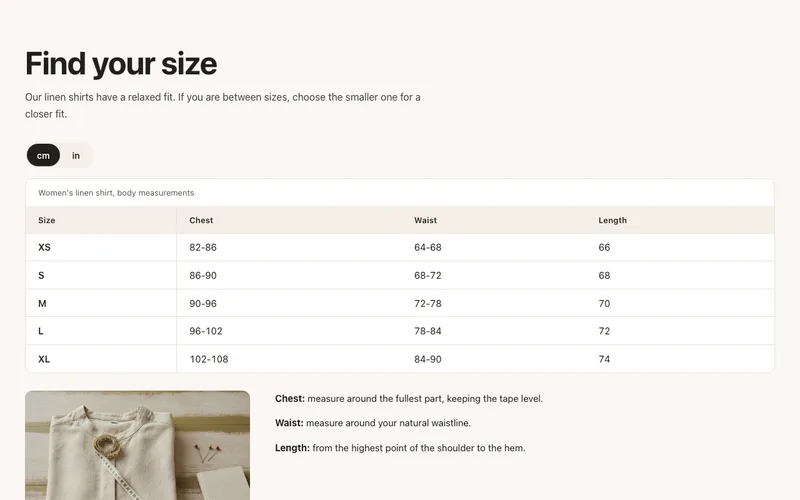
A size table in a side drawer, a pop-up or on the page, with a cm / in switch, measuring notes and a how-to-measure image. Type the table or use a page.
Product page
Sticky add to cart
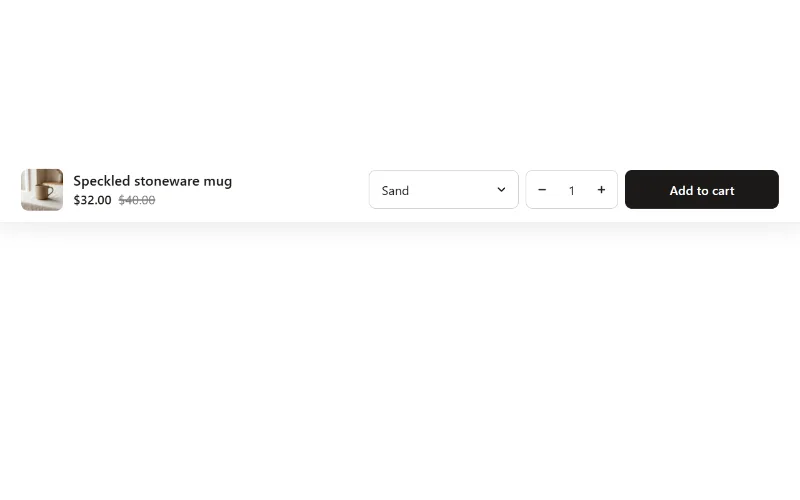
Add to cart bar fixed to the bottom or top of the screen that appears once the main buy button scrolls away, with variant select and quantity.
