Free Shopify content and storytelling sections
Free Liquid sections for brand stories on Shopify: image with text, image collages, feature cards, timelines, team and how it works steps, with demos.
In short
Content sections tell the story behind the products: image and text layouts, overlapping image collages, feature cards, columns, timelines of the brand's history, the team behind it, how-it-works steps and scrolling text strips. They are the building blocks of About pages, landing pages and the middle of a home page.
- 9 sections in this category, free to use in any store (MIT license)
Content and storytelling
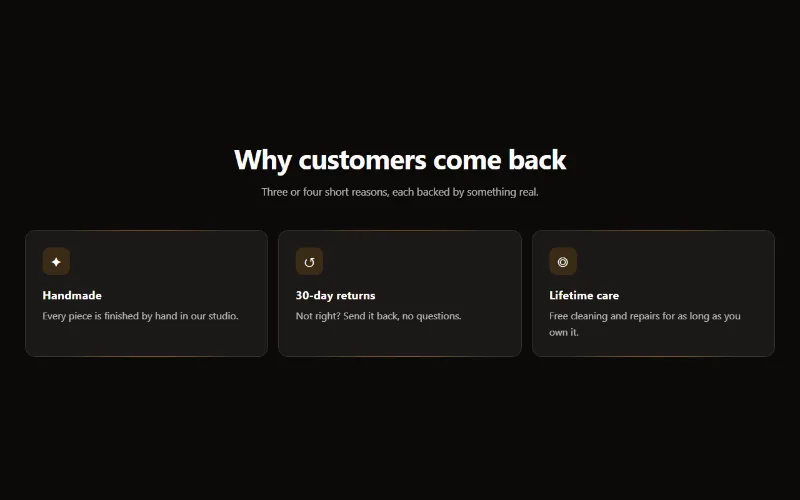
Feature cards
Two to four columns of cards with an icon, title and text. On desktop a soft glow follows the pointer; on touch screens the cards show without it.
Content and storytelling
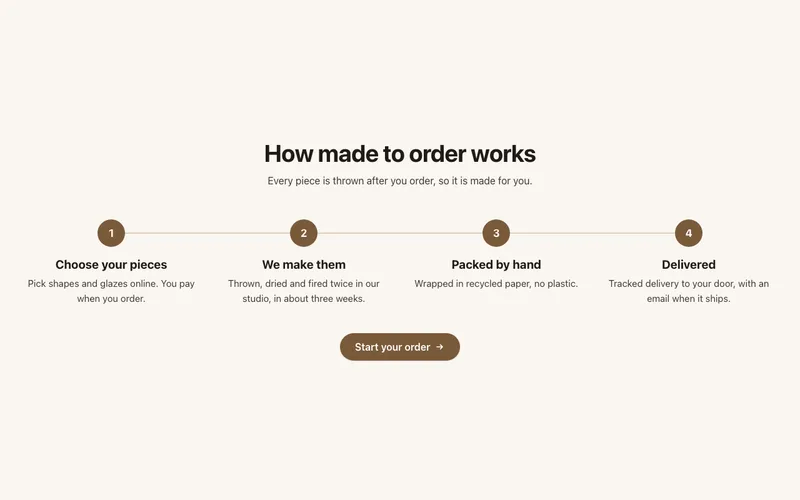
How it works
Numbered steps with icons joined by a line, for subscriptions, made-to-order products or services: a row on desktop, stacked on mobile, with a button.
Content and storytelling
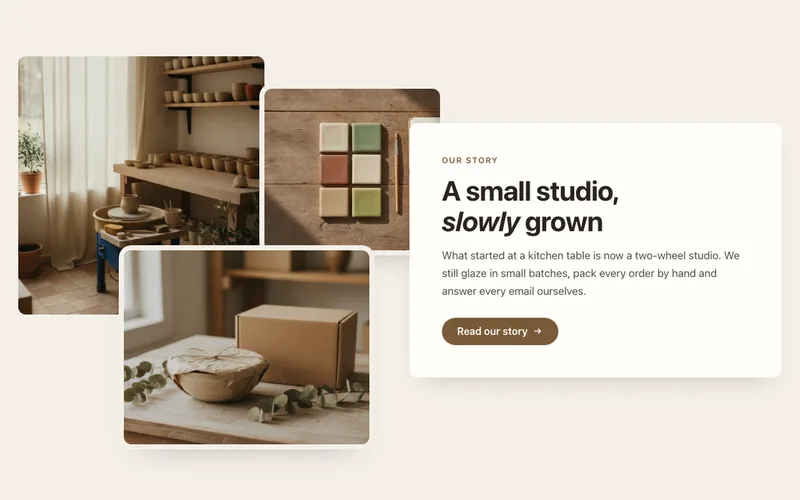
Image collage
Two or three overlapping photos beside a text card with heading, text and a button, for About pages. A tidy grid on mobile. Liquid and CSS only.
Content and storytelling
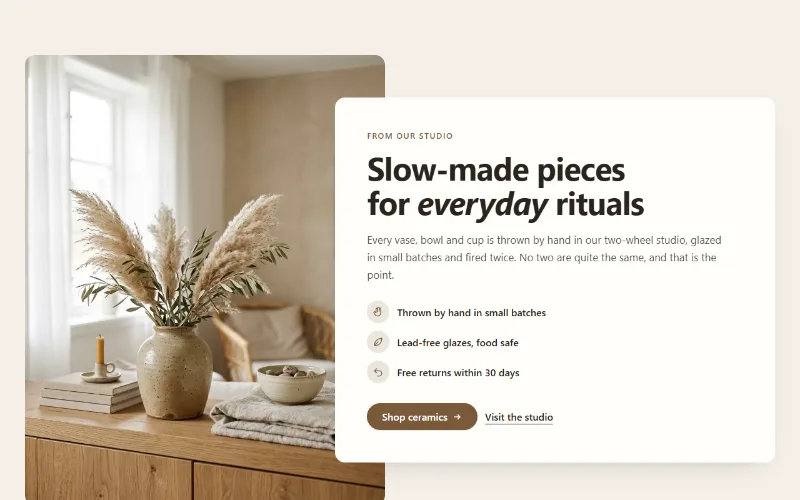
Image with text
An image beside a heading, text, up to four icon points and two buttons. Set image width, side and shape; the text can sit in a card that overlaps the image.
Content and storytelling
Marquee
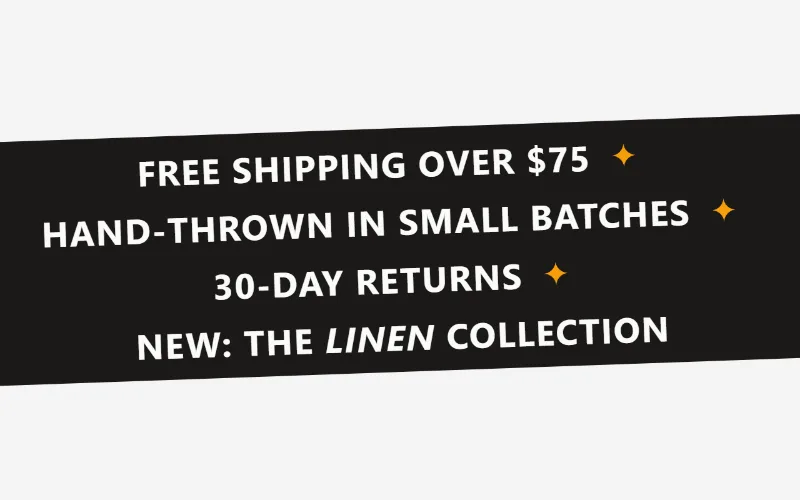
An endlessly scrolling strip of text, icons or logos. Use it as a ticker, an announcement band or a logo wall. Pure CSS motion with a pause button.
Content and storytelling
Meet the team
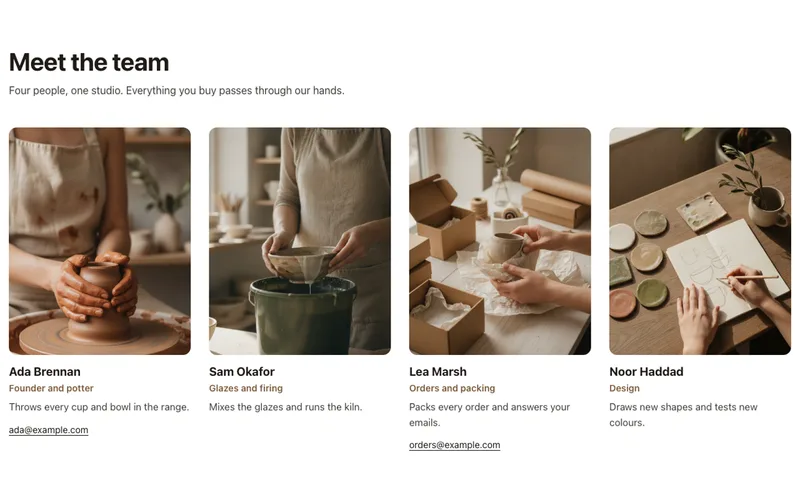
Team member cards with photo, name, role, short bio and email or profile link, in 2–5 columns with rectangle or circle photos. For About pages.
Content and storytelling
Multicolumn
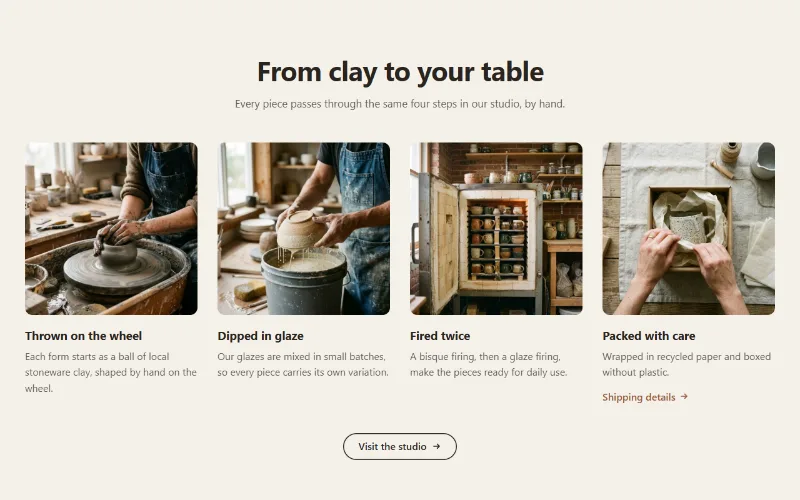
Up to 12 columns with image or icon, heading, text and link. 2 to 6 columns on desktop; one, two or a swipeable row on mobile. Plain, filled or outlined cards.
Content and storytelling
Rich text
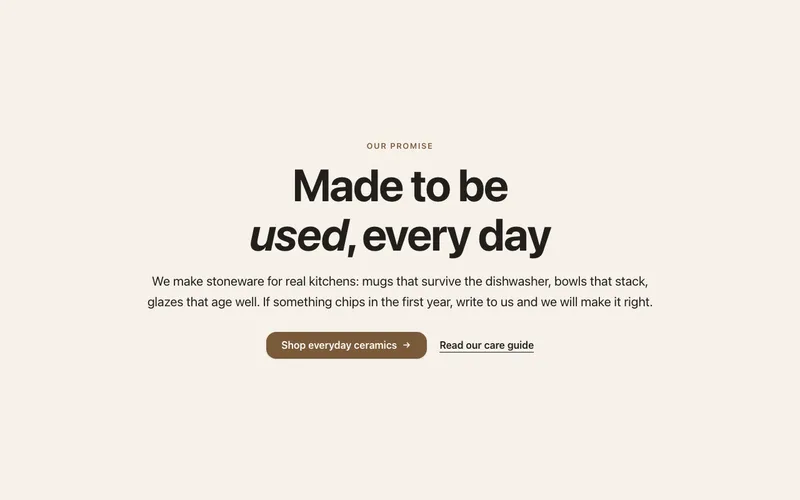
Eyebrow, headings, text and buttons as blocks in any order, at three reading widths, aligned per device, on a color, gradient or image with an overlay.
Content and storytelling
Timeline
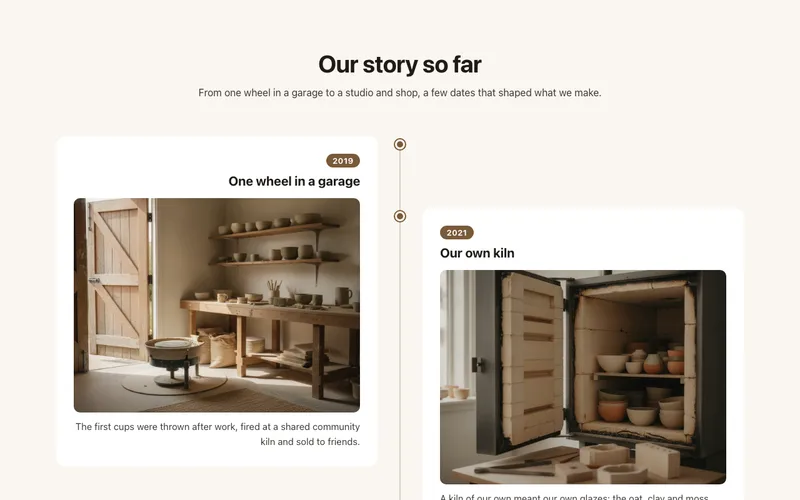
Brand history or a process as dated milestones on a line, alternating sides on desktop and stacked on mobile, with images and links. Liquid and CSS only.
