Feature cards
Two to four columns of cards with an icon, title and text. On desktop a soft glow follows the pointer; on touch screens the cards show without it.
- Category
- Content and storytelling
- Use on
- Home, Product, Any page
- Reads
- Content only
- Size
- 14 KB, small script included
- License
- MIT, free for client work
In short
Feature cards is a free Shopify section for value propositions: two to four columns of cards, each with an icon or symbol, a title, text and an optional link. On desktop an optional glow follows the pointer; on touch screens the cards show without it.
When to use it
- Home page reasons to buy: shipping, returns, materials, guarantees
- Product page benefits under the buy box
- Service, wholesale or B2B pages that list what is included
In the theme editor
- Heading, heading tag and size, intro
- Up to 8 cards: icon image or symbol, title, text, optional link with label
- Columns: 2–4 on desktop, 1–2 on mobile
- Heading alignment per device, card alignment, corner radius, page or full width
- Background color or gradient, card, text and glow colors
- Top and bottom padding per device, show on desktop/mobile only, anchor ID
- Pointer glow toggle
Files
sections/lib-feature-cards.liquidView the code
Pattern adapted from Uiverse.io cards, rewritten in plain Liquid and CSS.
How to add it to your theme
- Copy the section file into your theme’s sections folder, and any snippet it lists into snippets.
- In the theme editor, choose Add section and pick the one that starts with “Lib ·”.
- Replace the sample text with your store’s own, and set the colors to match your brand.
Questions
- How many cards can I add?
- Up to eight card blocks. Choose two to four columns on desktop and one or two on mobile.
- Does the glow effect need JavaScript?
- A small custom element of about 1 KB moves the glow. It does not run on touch screens or when the glow setting is off, and the cards work without it.
- Can a card link to a page?
- Yes. Add a link and the whole card becomes clickable, with an optional label at the bottom and an option to open in a new tab.
Before you publish
- The text in the demos is sample content. Replace it with facts about your own store before you publish.
- Animations are switched off for visitors who ask for reduced motion.
- Every file is checked with Shopify Theme Check before it is published here.
Need it adapted to your theme, or a section that isn’t here? See Shopify theme development.
More sections
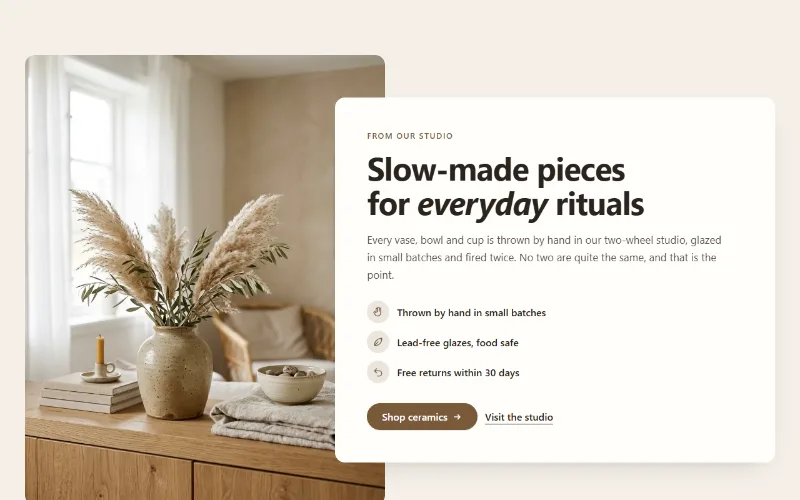
Content and storytelling
Image with text
An image beside a heading, text, up to four icon points and two buttons. Set image width, side and shape; the text can sit in a card that overlaps the image.
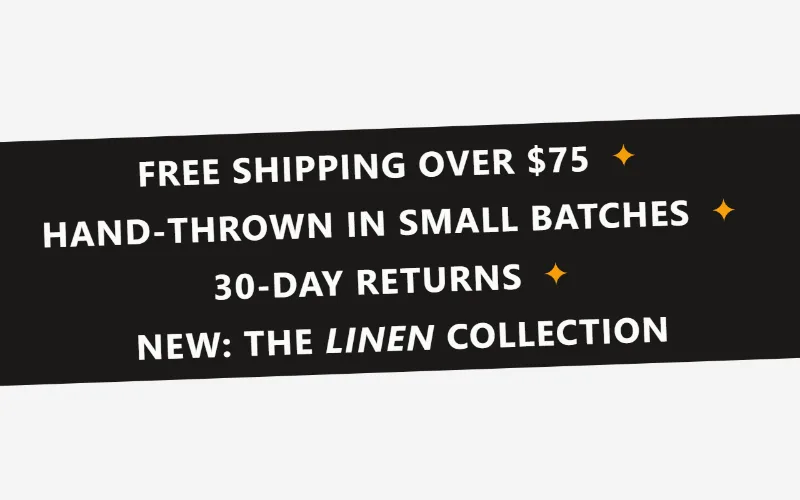
Content and storytelling
Marquee
An endlessly scrolling strip of text, icons or logos. Use it as a ticker, an announcement band or a logo wall. Pure CSS motion with a pause button.
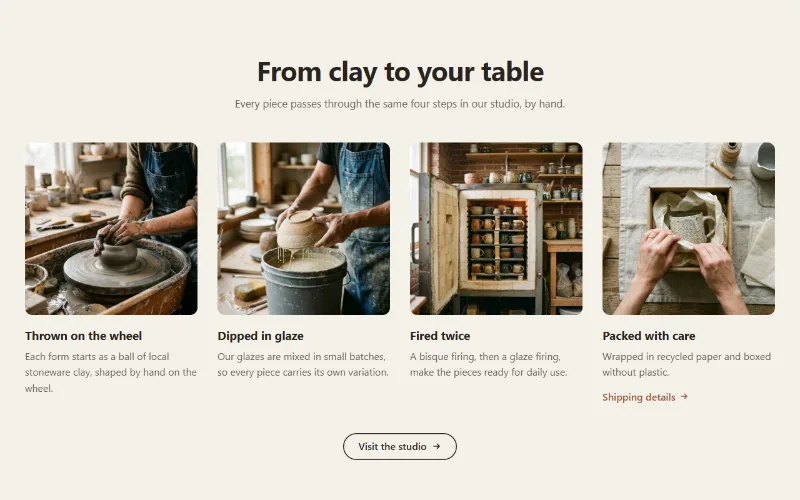
Content and storytelling
Multicolumn
Up to 12 columns with image or icon, heading, text and link. 2 to 6 columns on desktop; one, two or a swipeable row on mobile. Plain, filled or outlined cards.
