Marquee
An endlessly scrolling strip of text, icons or logos. Use it as a ticker, an announcement band or a logo wall. Pure CSS motion with a pause button.
- Category
- Content and storytelling
- Use on
- Home, Product, Collection, Any page
- Reads
- Content only
- Size
- 27 KB, small script included
- License
- MIT, free for client work
In short
Marquee is a free Shopify section that scrolls a strip of text items and logos in an endless loop. The motion is pure CSS, screen readers hear each item once, and it stops for visitors who turn off animations. It works in any Online Store 2.0 theme without an app.
When to use it
- A bold, tilted strip of brand values or offers between home page sections
- A free-shipping and returns ticker under the header
- A row of press or stockist logos in grayscale that turn to color on hover
In the theme editor
- Text items (rich text, icon or emoji or icon image, link) and logo items (image, custom height, link)
- Speed, direction, pause on hover, pause button, tilt from -3° to 3°
- Separator: none, dot, star or your own text
- Text size from small to huge, separately on mobile; font weight, uppercase, theme heading font
- Space between items, strip padding, logo height, grayscale logos with color on hover, faded edges
- Strip background color or gradient, text, separator and section background colors; top and bottom border
- Top and bottom padding per device, show on desktop/mobile only, anchor ID
Files
sections/lib-marquee.liquidView the code
snippets/lib-image.liquidView the code
Written in plain Liquid, CSS and, where needed, a small script. No app, no dependencies.
How to add it to your theme
- Copy the section file into your theme’s sections folder, and any snippet it lists into snippets.
- In the theme editor, choose Add section and pick the one that starts with “Lib ·”.
- Replace the sample text with your store’s own, and set the colors to match your brand.
Questions
- Does the marquee need JavaScript?
- No. The scrolling is a CSS animation. The only script is a small custom element for the optional pause button; without it the button stays hidden and the strip still scrolls.
- How do screen readers and keyboard users experience it?
- The items are repeated to fill the screen, but every repeat is hidden from screen readers and its links are taken out of the tab order, so each item is read and focused once. The strip pauses while one of its links has keyboard focus, and visitors can stop it with the pause button.
- What happens when a visitor has reduced motion turned on?
- With prefers-reduced-motion the animation is switched off, the repeats are hidden and the items wrap onto as many centred lines as they need.
- How many items can I add, and can I mix text and logos?
- Up to 16 blocks, in any mix of text items and logo or image items. Each item can have its own link, and logos can use a custom height.
- Does the speed setting stay exact for every text?
- The loop length is estimated in Liquid from the text length, font size and logo sizes, so the speed in pixels per second is approximate rather than exact.
Before you publish
- The text in the demos is sample content. Replace it with facts about your own store before you publish.
- Animations are switched off for visitors who ask for reduced motion.
- Every file is checked with Shopify Theme Check before it is published here.
Need it adapted to your theme, or a section that isn’t here? See Shopify theme development.
More sections
Content and storytelling
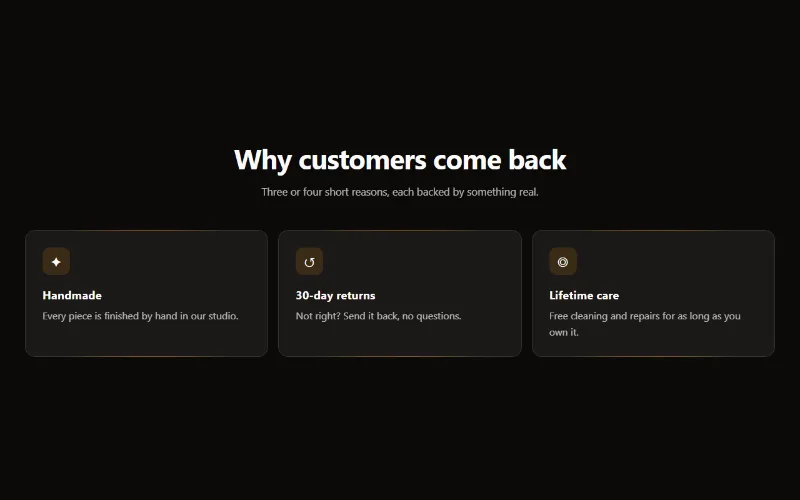
Feature cards
Two to four columns of cards with an icon, title and text. On desktop a soft glow follows the pointer; on touch screens the cards show without it.
Content and storytelling
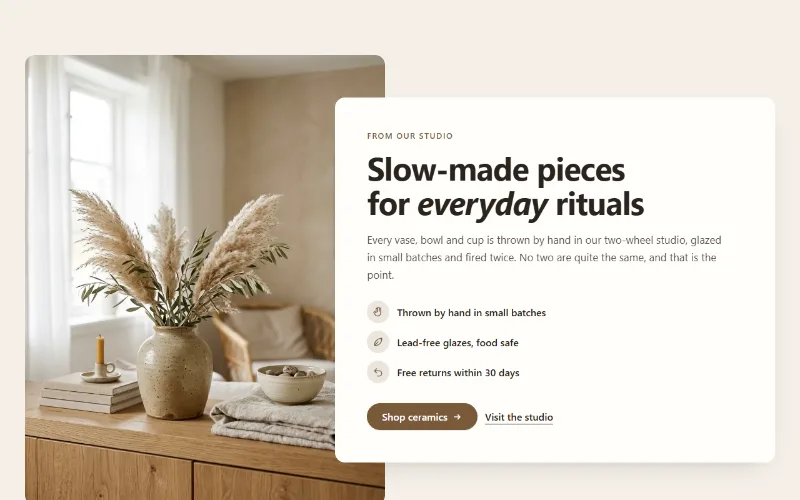
Image with text
An image beside a heading, text, up to four icon points and two buttons. Set image width, side and shape; the text can sit in a card that overlaps the image.
Content and storytelling
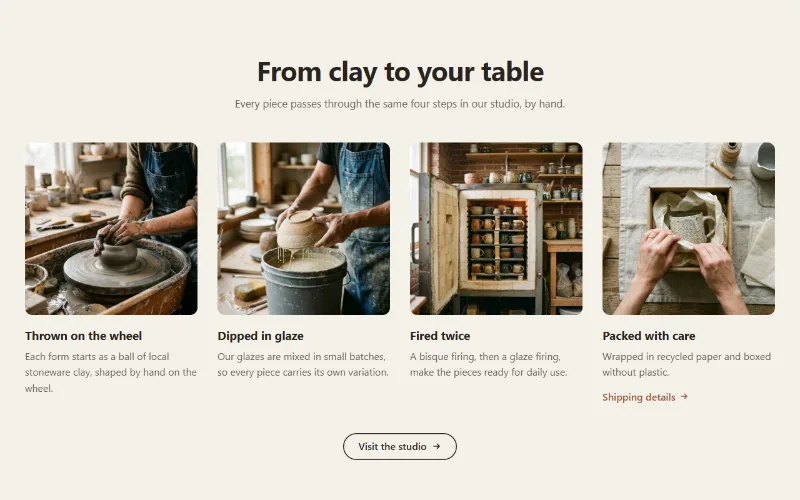
Multicolumn
Up to 12 columns with image or icon, heading, text and link. 2 to 6 columns on desktop; one, two or a swipeable row on mobile. Plain, filled or outlined cards.
