Product tabs
Up to 6 product info tabs from your own text, the product description, a page or a metafield. Tabs on desktop, accordion on mobile.
- Category
- Product page
- Use on
- Product, Landing pages, Any page
- Reads
- Products
- Size
- 29 KB, small script included
- License
- MIT, free for client work
In short
Product tabs is a free Shopify section that groups product information such as description, care, shipping and dimensions into up to six tabs, each filled from text you write, the product description, a page or a product metafield. It shows accessible tabs on desktop and an accordion on mobile, keeps every tab's content in the HTML, and works in Online Store 2.0 themes without an app.
When to use it
- Under the buy box on a product page: description, materials and care, shipping and returns, dimensions
- A shared size guide or shipping policy page shown in a tab on every product page
- Per-product care or ingredient details stored in a metafield, without editing each product page
In the theme editor
- Heading, heading tag and size, optional intro text, product picker (optional on product pages)
- Up to 6 tabs: title, optional icon, content from text, product description, a page or a metafield
- Tabs on desktop with accordion on mobile, or accordion everywhere
- Underline, pill or boxed tab style, left or centered tabs, first accordion item open
- Page or full width, content max width, heading alignment per device
- Background, gradient, text, accent, text on accent and border colors
- Top and bottom padding per device, show on desktop/mobile only, anchor ID, fade-in toggle
Files
sections/lib-product-tabs.liquidView the code
Written in plain Liquid, CSS and, where needed, a small script. No app, no dependencies.
How to add it to your theme
- Copy the section file into your theme’s sections folder, and any snippet it lists into snippets.
- In the theme editor, choose Add section and pick the one that starts with “Lib ·”.
- Replace the sample text with your store’s own, and set the colors to match your brand.
Questions
- Where can a tab's content come from?
- Each tab block picks one source: text entered in the block, the product description, a page's content, or a product metafield written as namespace.key, for example custom.care. Single-line and multi-line text metafields are output as text with line breaks kept; other types, such as rich text, are rendered with Shopify's metafield_tag filter.
- What happens when a product has no content for a tab?
- The tab is left out for that product, for example when the metafield is not set or the description is empty, so shoppers never see an empty tab. In the theme editor, a metafield or page tab with nothing to show, or a description tab with no product, displays a short note instead so you can see why.
- Is hidden tab content still indexed by search engines?
- All tab content is in the page's HTML. Tabs only change which panel is shown, so nothing is loaded later by JavaScript.
- How does it work on mobile and with the keyboard?
- Below 750px every tab becomes an accordion item built on native details and summary elements. From 750px up, the default layout shows a tablist with the ARIA tab pattern: arrow keys move between tabs and wrap around, Home and End jump to the first and last tab. You can also choose an accordion on every screen size.
- Does it need JavaScript?
- The accordion opens and closes with the browser alone. Switching tabs on desktop uses a small script; before it runs the first tab is shown, so the layout does not jump.
- Which product does it use?
- The product picked in the section settings if there is one, otherwise the product of the product page it sits on. With neither, product-based tabs are left out and text and page tabs still show.
Before you publish
- The text in the demos is sample content. Replace it with facts about your own store before you publish.
- Animations are switched off for visitors who ask for reduced motion.
- Every file is checked with Shopify Theme Check before it is published here.
Need it adapted to your theme, or a section that isn’t here? See Shopify theme development.
More sections
Product page
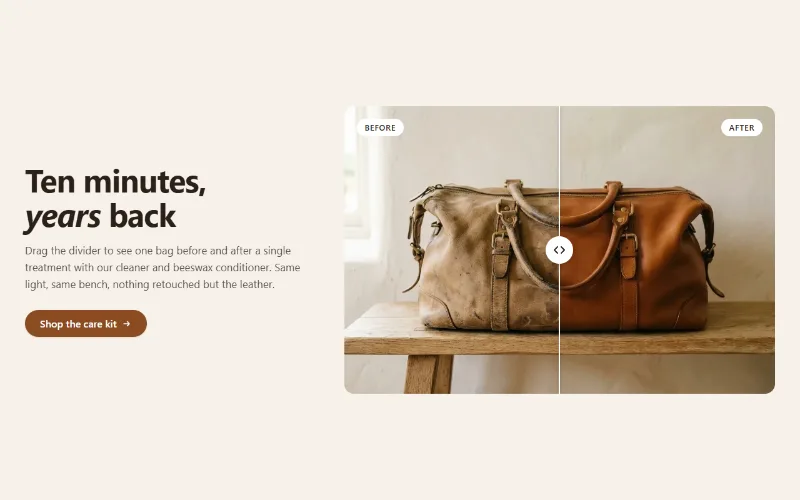
Before / after slider
Two photos in one frame with a draggable divider, so shoppers can compare before and after. Keyboard and screen reader friendly, with separate mobile images.
Product page
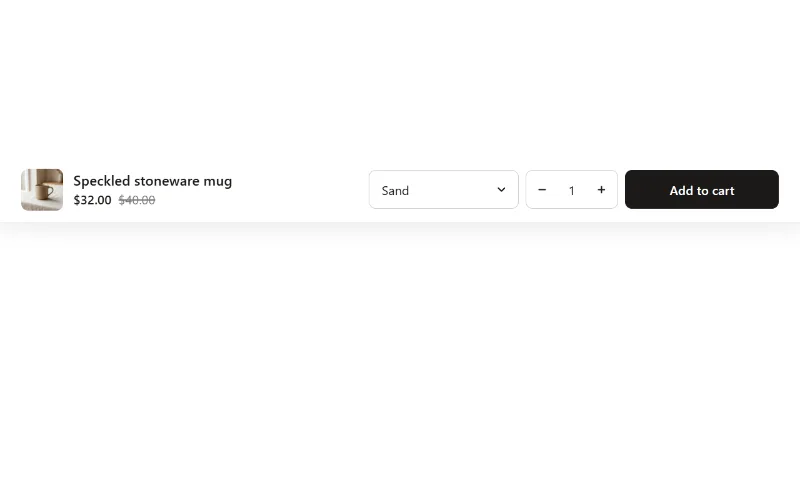
Sticky add to cart
Add to cart bar fixed to the bottom or top of the screen that appears once the main buy button scrolls away, with variant select and quantity.

Hero and banners
Hero banner
A full-bleed image banner with eyebrow, heading, text and two buttons over it, a separate mobile image, overlay, nine content positions and height per device.
