Announcement bar
Slim bar with up to six messages that rotate with a fade or slide, optional arrows, icons, links and a close button that remembers each campaign.
- Category
- Conversion and offers
- Use on
- All pages, Home, Landing pages
- Reads
- Content only
- Size
- 23 KB, small script included
- License
- MIT, free for client work
In short
Announcement bar is a free Shopify section for short store messages such as delivery thresholds or a running offer: show one message, or rotate up to six with a fade or slide and optional arrows. Visitors can close it and it stays closed until you change the campaign version, and it works in Online Store 2.0 themes without an app.
When to use it
- A free-delivery threshold and returns message above the header on every page
- A seasonal offer with an "Ends Sunday" note and a link to the sale collection
- A closable launch notice at the top of a landing page
In the theme editor
- Per message (up to 6): text with bold, italic and links, link with optional label, icon or emoji, short ends note
- Mode: static first message, or rotating with fade or slide
- Time per message (3 to 12 seconds) and previous and next arrows
- Close button with a campaign version that resets it
- Sticky at the top of the page
- Text size, alignment per device, page or full width
- Background color or gradient, text and link colors, optional bottom border
- Top and bottom padding per device, show on desktop/mobile only, anchor ID
Files
sections/lib-announcement-bar.liquidView the code
Written in plain Liquid, CSS and, where needed, a small script. No app, no dependencies.
How to add it to your theme
- Copy the section file into your theme’s sections folder, and any snippet it lists into snippets.
- In the theme editor, choose Add section and pick the one that starts with “Lib ·”.
- Replace the sample text with your store’s own, and set the colors to match your brand.
Questions
- How does the close button remember visitors?
- When a visitor closes the bar, a key made from the section ID and the campaign version you set is saved in their browser's local storage, and the bar stays hidden on later pages. Change the campaign version to show the bar again to everyone. If the browser blocks storage, the bar still closes for that page view. In the theme editor the bar is never hidden on load.
- Does the bar cause layout shift?
- No. All messages share one grid cell, so the bar is as tall as the longest message from the first paint, and the script that starts the rotation does not change its height. A bar a visitor has closed before is hidden by a small inline script that runs as it is parsed.
- Is the rotating bar accessible?
- The messages are marked up as a carousel region with labelled slides, hidden slides cannot be focused, and screen readers are not interrupted while it rotates. Rotation pauses on hover, on keyboard focus and when the tab is hidden, and the arrows are real buttons. With reduced motion turned on, it does not rotate and the arrows switch messages without animation.
- Can I add a countdown?
- Not in this section. Each message can carry a short "ends" note such as "Ends Sunday", which is plain text. For a live timer, use the Countdown banner section from the same library.
- Can the bar stay visible while scrolling?
- Yes. Turn on the sticky option and the section sticks to the top of the window. If your theme also has a sticky header, check that the two do not overlap.
Before you publish
- The text in the demos is sample content. Replace it with facts about your own store before you publish.
- Animations are switched off for visitors who ask for reduced motion.
- Every file is checked with Shopify Theme Check before it is published here.
Need it adapted to your theme, or a section that isn’t here? See Shopify theme development.
More sections
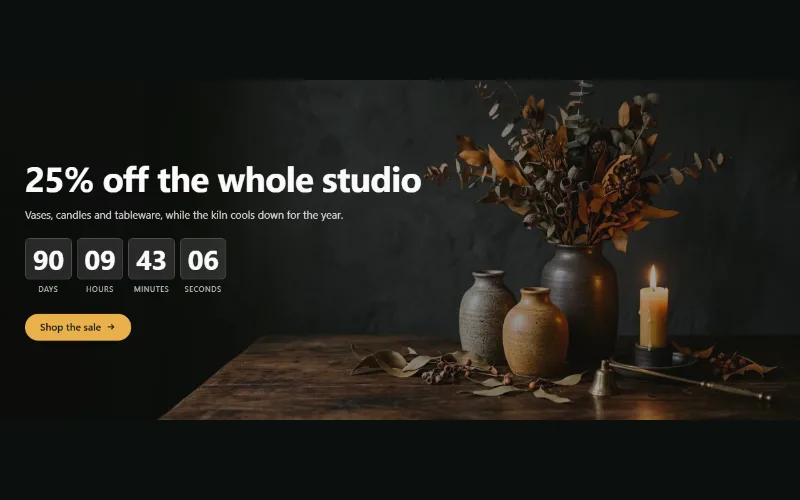
Conversion and offers
Countdown banner
Sale or launch banner with a live countdown to a set date and time: bar, banner or split layout, background image per device and a chosen end state.
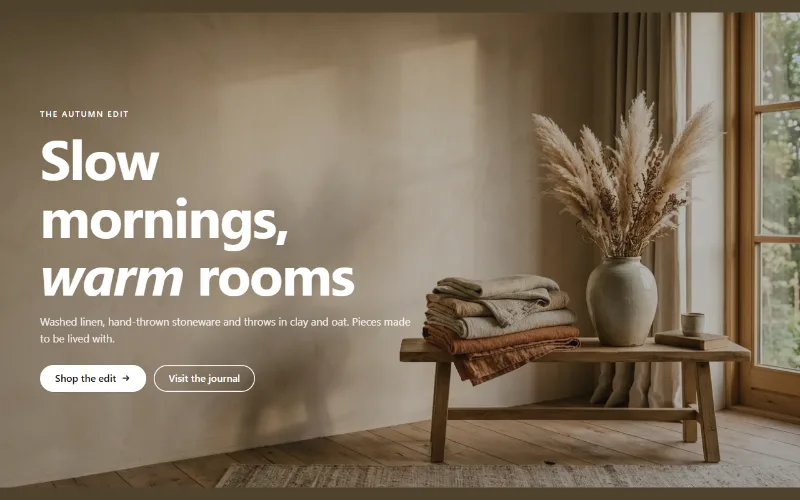
Hero and banners
Hero banner
A full-bleed image banner with eyebrow, heading, text and two buttons over it, a separate mobile image, overlay, nine content positions and height per device.
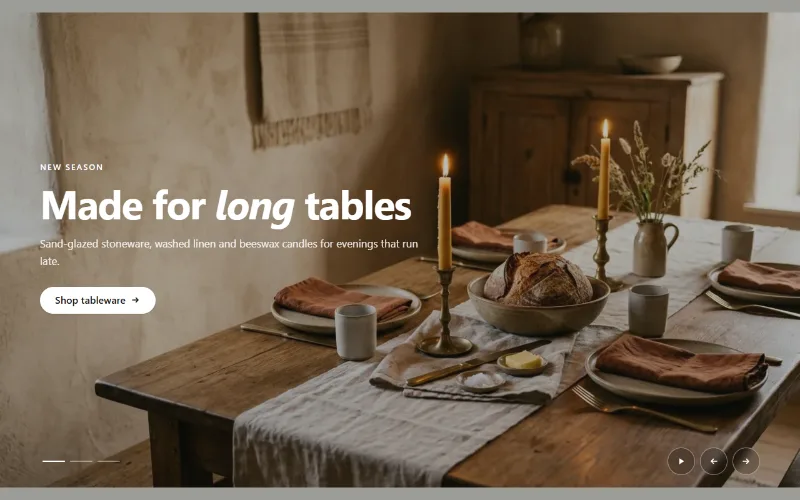
Hero and banners
Hero slideshow
A full-width hero slideshow of up to six slides, each with its own desktop and mobile image, overlay, text and button. Swipe, autoplay, arrows and dots.
