Testimonials
Customer quotes with star ratings, names and initials avatars in a grid, a masonry wall or a swipeable row with arrow buttons.
- Category
- Social proof and trust
- Use on
- Home, Product, About, Any page
- Reads
- Content only
- Size
- 34 KB, small script included
- License
- MIT, free for client work
In short
Testimonials is a free Shopify section for customer quotes: each card has an optional star rating, the customer's name and location, a photo or initials and an optional product link. Show them as a grid, a masonry wall or a scroll-snap row with previous and next buttons. It works in any Online Store 2.0 theme without an app.
When to use it
- A home page wall of customer quotes with a rating summary line
- A product page row of quotes about that product, each linking to it
- An about or wholesale page with quotes from partners and repeat customers
In the theme editor
- Heading, heading tag and size, rating summary line, intro, button
- Up to 12 testimonials: quote, name, role or location, 0–5 stars, optional photo, optional product label and link
- Layout: grid, masonry or scrolling row; 1–4 columns on desktop, 1–2 on mobile
- Card style (filled, outline or none), corner radius, large quote mark
- Heading alignment per device, page or full width
- Background color or gradient, text, card, border, accent, text on accent and star colors
- Top and bottom padding per device, show on desktop/mobile only, anchor ID, fade cards in on scroll
Files
sections/lib-testimonials.liquidView the code
snippets/lib-image.liquidView the code
snippets/lib-button.liquidView the code
Written in plain Liquid, CSS and, where needed, a small script. No app, no dependencies.
How to add it to your theme
- Copy the section file into your theme’s sections folder, and any snippet it lists into snippets.
- In the theme editor, choose Add section and pick the one that starts with “Lib ·”.
- Replace the sample text with your store’s own, and set the colors to match your brand.
Questions
- Does this section add review stars to Google search results?
- No. It outputs no structured data on purpose. Quotes typed into the theme editor are not a review system, and Google does not show review stars for self-serving reviews a business marks up about itself. Use a reviews app if you need rich results.
- Where do the quotes come from?
- You type them in as blocks, up to 12. The section does not connect to a reviews app, and the rating summary line is plain text you write yourself.
- What if a customer has no photo?
- The card shows a circle with the initials of the name, using the accent colors. A photo replaces it when you add one.
- How does the scrolling row work on phones and with a keyboard?
- Cards snap into place when swiped. The row is a focusable region, so arrow keys scroll it, and the previous and next buttons move by one card and are disabled at either end. The buttons only appear when there are more cards than fit.
Before you publish
- The text in the demos is sample content. Replace it with facts about your own store before you publish.
- Animations are switched off for visitors who ask for reduced motion.
- Every file is checked with Shopify Theme Check before it is published here.
Need it adapted to your theme, or a section that isn’t here? See Shopify theme development.
More sections
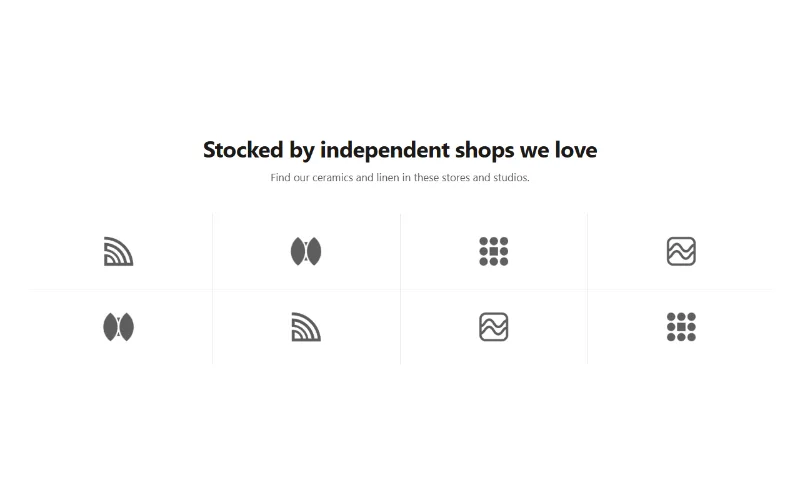
Social proof and trust
Logo cloud
A static grid or row of press, partner or stockist logos with grayscale-to-color hover, separator lines or cards, and logo height per device.
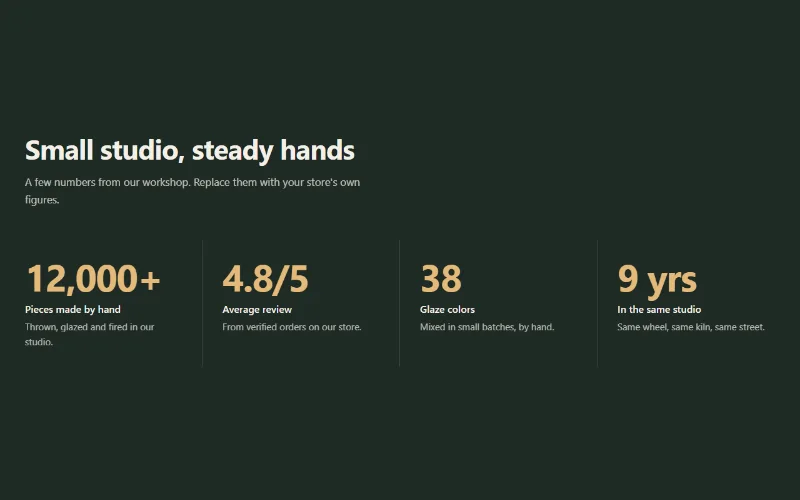
Social proof and trust
Stats counter
Up to 6 figures with label, description and icon that count up when scrolled into view. Row with dividers, cards, or big numbers beside the heading.
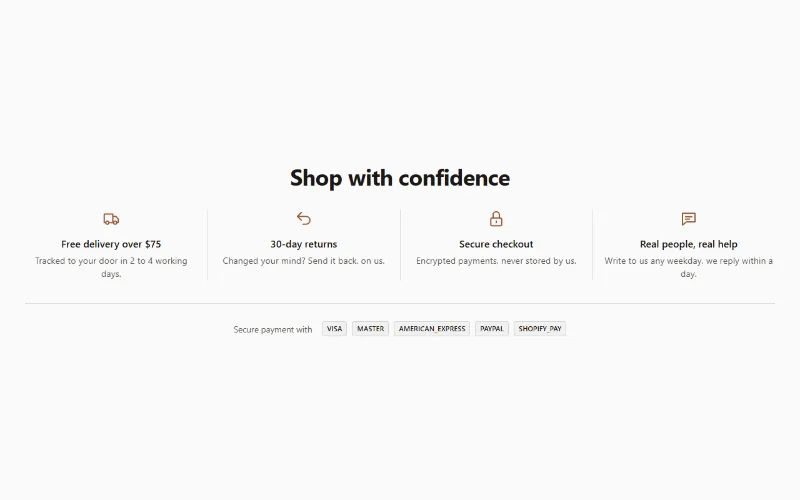
Social proof and trust
Trust badges
Row of trust points (delivery, returns, secure checkout) with line icons, short text and links, plus your store's accepted payment icons.
