Trust badges
Row of trust points (delivery, returns, secure checkout) with line icons, short text and links, plus your store's accepted payment icons.
- Category
- Social proof and trust
- Use on
- Home, Product, Cart, Collection
- Reads
- Content only
- Size
- 25 KB, no JavaScript
- License
- MIT, free for client work
In short
Trust badges is a free Shopify section that lists up to eight reassurance points, each with a built-in line icon or your own icon image, a title, a short line and an optional link, and can add the payment icons your store accepts. It comes as a row with dividers, cards, or a compact inline strip for under a buy button, and works in Online Store 2.0 themes without an app.
When to use it
- A delivery, returns and secure checkout row on the product page, under the buy button
- A row of store promises above the footer on the home page
- Payment and returns reassurance on the cart page
In the theme editor
- Optional heading with heading tag and size
- Per point: built-in icon or custom icon image, title, short text and link (up to 8 points)
- Show accepted payment icons, with a label
- Style: row with dividers, cards or compact inline
- Columns on desktop (2 to 6) and mobile: 1, 2 or a horizontal scroll row
- Icon above or beside the text, icon size, no background or a tinted or outlined circle
- Alignment per device, page or full width, card corner radius
- Background color or gradient, text, icon and card colors
- Top and bottom padding per device, show on desktop/mobile only, anchor ID
Files
sections/lib-trust-badges.liquidView the code
Written in plain Liquid, CSS and, where needed, a small script. No app, no dependencies.
How to add it to your theme
- Copy the section file into your theme’s sections folder, and any snippet it lists into snippets.
- In the theme editor, choose Add section and pick the one that starts with “Lib ·”.
- Replace the sample text with your store’s own, and set the colors to match your brand.
Questions
- Where do the payment icons come from?
- From your store. The section loops over the payment methods enabled in your Shopify payment settings and prints Shopify's own icon for each, so the list updates when you turn a method on or off. You can hide the icons or change the label in front of them.
- Which icons are included?
- Fourteen line icons drawn as inline SVG: delivery truck, returns, lock, shield, leaf, star, chat, gift, card, clock, heart, check, package and globe. They take the icon color you pick. Each point can instead use an uploaded image, which replaces the built-in icon.
- How does it look on mobile?
- You choose one column, two columns, or a horizontal row that visitors swipe, with each point snapping into place. Tablets show up to three columns and desktop between two and six. The compact inline layout wraps to as many lines as it needs.
- Does it need JavaScript or slow the page down?
- No. It is HTML and CSS only, and the built-in icons are inline SVG, so there are no extra image requests unless you upload custom icons, which load lazily.
- Can a trust point link to a policy page?
- Yes. Add a link to a point and the whole point becomes clickable, for example to your returns or shipping policy, with the title as the link text for screen readers.
Before you publish
- The text in the demos is sample content. Replace it with facts about your own store before you publish.
- Animations are switched off for visitors who ask for reduced motion.
- Every file is checked with Shopify Theme Check before it is published here.
Need it adapted to your theme, or a section that isn’t here? See Shopify theme development.
More sections
Social proof and trust
Logo cloud
A static grid or row of press, partner or stockist logos with grayscale-to-color hover, separator lines or cards, and logo height per device.
Social proof and trust
Stats counter
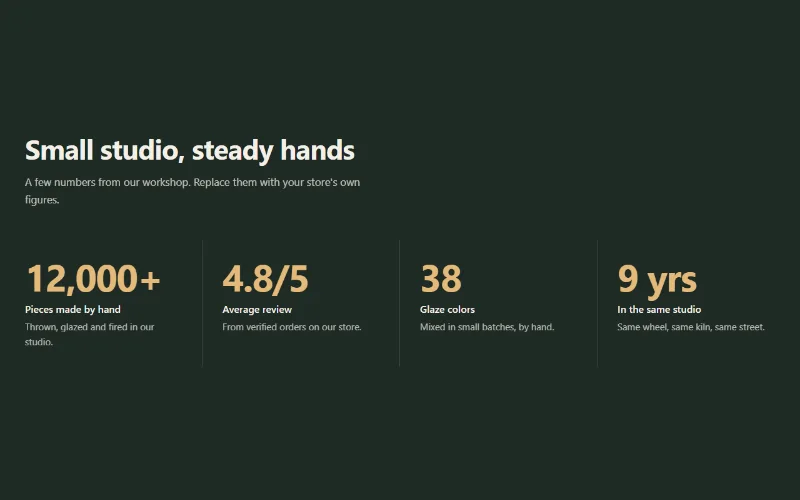
Up to 6 figures with label, description and icon that count up when scrolled into view. Row with dividers, cards, or big numbers beside the heading.
Social proof and trust
Testimonials
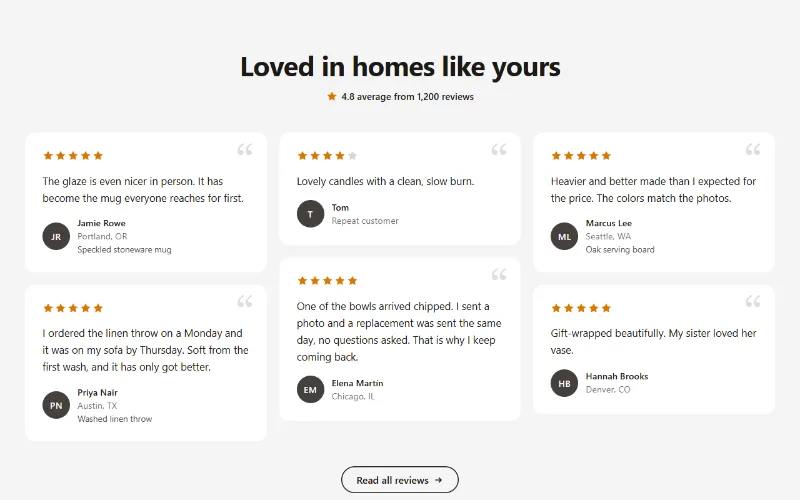
Customer quotes with star ratings, names and initials avatars in a grid, a masonry wall or a swipeable row with arrow buttons.
