Newsletter signup
An email signup that saves subscribers as Shopify customers tagged newsletter, in a centered, split-image or image-banner layout. No app or JavaScript.
- Category
- Forms and newsletter
- Use on
- Home, Footer area, Landing pages, Blog
- Reads
- Content only
- Size
- 27 KB, no JavaScript
- License
- MIT, free for client work
In short
Newsletter signup is a free Shopify section that collects emails with Shopify's own customer form, so each subscriber lands in your customer list tagged "newsletter" with no email app needed to capture them. It comes in three layouts (centered, split with an image, or a banner over an image), shows a success message and Shopify's error text, and works in Online Store 2.0 themes without an app.
When to use it
- A signup band above the footer on the home page
- A split image-and-form block on a launch or waitlist landing page
- A full-width banner at the end of blog articles inviting readers to a monthly letter
In the theme editor
- Eyebrow, heading, text; heading tag (H1–H3 or paragraph) and size
- Field label (visible or screen-reader only), placeholder, button label and style (solid or outline)
- Consent line with a link to your privacy policy, and a success message
- Field style: pill, square or underline, with field background and text colors
- Layout: centered, split with image (left or right, four image shapes) or banner over image with overlay color and opacity
- Separate desktop and mobile image with focal points; image corner radius
- Page or full width, content max width, text alignment per device
- Background (with optional gradient), text, text over image, button colors
- Top and bottom padding per device, show on desktop/mobile only, anchor ID
Files
sections/lib-newsletter.liquidView the code
snippets/lib-image.liquidView the code
Written in plain Liquid, CSS and, where needed, a small script. No app, no dependencies.
How to add it to your theme
- Copy the section file into your theme’s sections folder, and any snippet it lists into snippets.
- In the theme editor, choose Add section and pick the one that starts with “Lib ·”.
- Replace the sample text with your store’s own, and set the colors to match your brand.
Questions
- Where do the email addresses go?
- The form posts to Shopify's built-in customer form with the tag "newsletter", so subscribers appear under Customers in your admin. Email apps that sync Shopify customers can pick them up from there; the section itself sends nothing to third parties.
- What does the visitor see after subscribing?
- After Shopify accepts the email, the field and button are replaced by your success message. If Shopify rejects it, for example an invalid address, its error text shows above the field, which is marked invalid for screen readers.
- Is the form accessible?
- The email field has a real label. You can hide it visually and it is still read by screen readers. The field uses type email with autocomplete, is required, and is linked to the consent text with aria-describedby. The button and the consent link have visible focus styles.
- Can I use a different image on mobile?
- Yes. The split and banner layouts take a separate mobile image shown below 750px, each with its own focal point. The centered layout has no image.
- Does it add JavaScript or slow the page?
- No JavaScript. The image loads lazily unless the section is one of the first two on the page, where it loads eagerly with high fetch priority.
Before you publish
- The text in the demos is sample content. Replace it with facts about your own store before you publish.
- Animations are switched off for visitors who ask for reduced motion.
- Every file is checked with Shopify Theme Check before it is published here.
Need it adapted to your theme, or a section that isn’t here? See Shopify theme development.
More sections
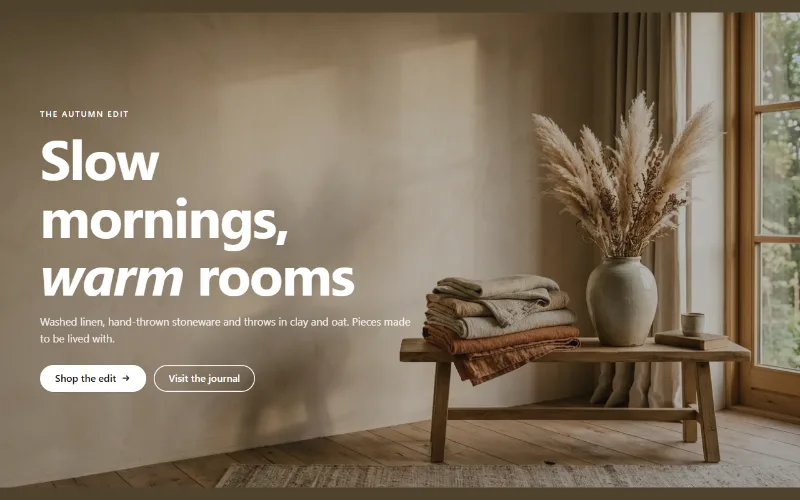
Hero and banners
Hero banner
A full-bleed image banner with eyebrow, heading, text and two buttons over it, a separate mobile image, overlay, nine content positions and height per device.
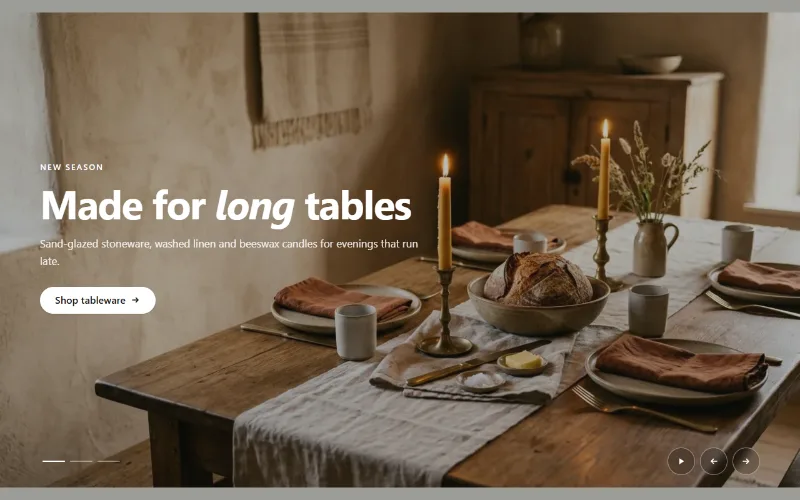
Hero and banners
Hero slideshow
A full-width hero slideshow of up to six slides, each with its own desktop and mobile image, overlay, text and button. Swipe, autoplay, arrows and dots.
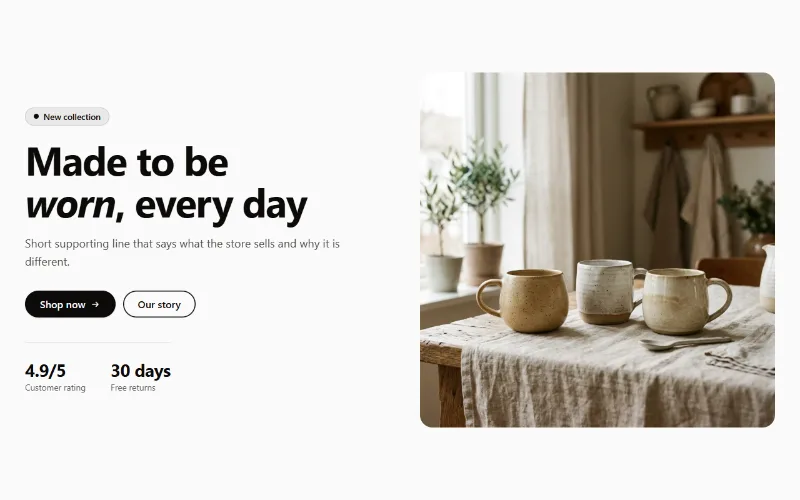
Hero and banners
Hero split
A split hero: badge, headline, supporting text, two buttons, up to three short stats and an image on either side, with a separate image for mobile.
