Complementary products
"Pairs well with" cards on product pages from Shopify's complementary product recommendations, set in Search & Discovery, with quick add. No app fees.
- Category
- Product and collection discovery
- Use on
- Product
- Reads
- Shopify product recommendations (complementary intent)
- Size
- 30 KB, small script included
- License
- MIT, free for client work
In short
Complementary products is a free Shopify section that shows "pairs well with" products on a product page, using Shopify's own product recommendations with the complementary intent. You pick each product's complementary products in Shopify's free Search & Discovery app; the section asks the store's recommendations endpoint for them as it scrolls into view and renders cards with price, sale and sold-out badges and an optional add to cart button. Products without complementary products show nothing. It works on product templates in Online Store 2.0 themes, with no paid app.
When to use it
- A grid of accessories under the product details: a cup with its saucer, a lamp with its bulb
- A compact list under the buy box with one-click add to cart for small add-ons
- Bundling care products with the item they look after (a leather bag with its conditioner)
In the theme editor
- Heading (tag H1–H3 or paragraph, three sizes) and intro text
- Products to show (1–10), grid or compact list layout
- Image shape, plain or card style, corner radius, vendor
- Quick add for single-variant products, "Choose options" link for the rest
- Sale and sold-out badges, screen-reader price labels
- Columns on desktop (2–5) and mobile (1–2) for the grid
- Page or full width, heading alignment per device
- Background color or gradient, text, accent, text on accent and card colors
- Top and bottom padding per device, show on desktop/mobile only, anchor ID, fade cards in
Files
sections/lib-complementary-products.liquidView the code
snippets/lib-product-card.liquidView the code
snippets/lib-image.liquidView the code
Written in plain Liquid and CSS with a small script. No app, no dependencies.
How to add it to your theme
- Copy the section file into your theme’s sections folder, and any snippet it lists into snippets.
- In the theme editor, choose Add section and pick the one that starts with “Lib ·”.
- Replace the sample text with your store’s own, and set the colors to match your brand.
Questions
- Where do the complementary products come from?
- From Shopify's product recommendations with intent=complementary, which return the complementary products you add to each product under Recommendations in the Search & Discovery app. Shopify does not invent them: a product without any set shows nothing.
- Is it the same as "You may also like"?
- No. "You may also like" uses the related intent, which Shopify fills automatically from purchase and description data. Complementary products are the ones you choose to be bought together, which is why this section uses that intent only.
- How does add to cart work?
- For products with a single variant, the button is Shopify's own product form and posts that variant to the cart. Products with options link to their product page with a "Choose options" label, so the shopper picks the size or color there.
- Does it slow down the product page?
- The recommendations load only when the section comes near the screen, as one request to your store, and the cards use responsive images. The page itself doesn't wait for them.
Before you publish
- The text in the demos is sample content. Replace it with facts about your own store before you publish.
- Animations are switched off for visitors who ask for reduced motion.
- We check every file with Shopify Theme Check before publishing it here.
Need it adapted to your theme, or a section that isn’t here? See Shopify theme development.
More sections
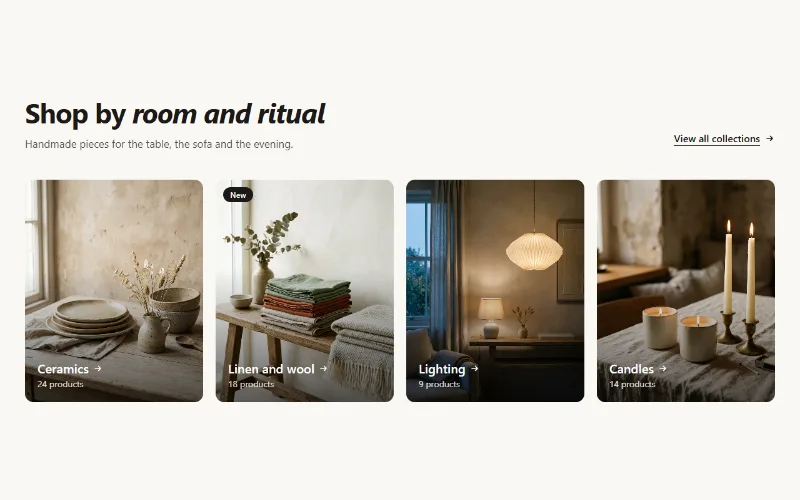
Product and collection discovery
Collection cards
Up to eight collection cards with image, title, label and product count. Text over the image or below it, 2 to 5 columns, or a swipeable row on mobile.
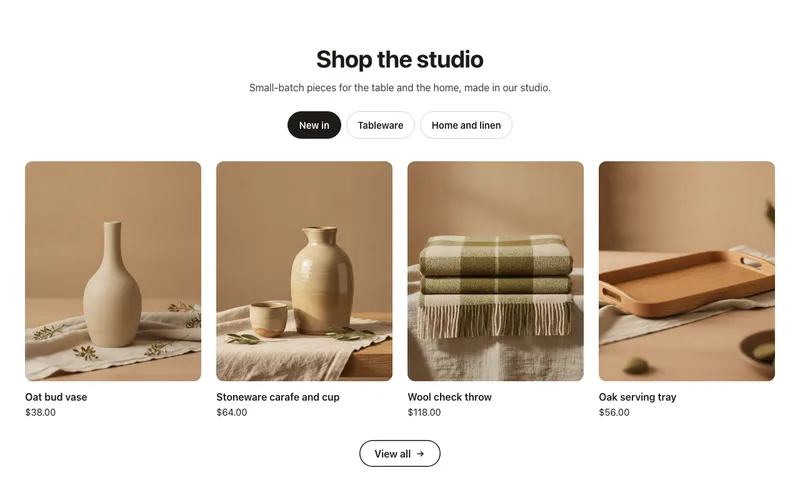
Product and collection discovery
Collection tabs
A product grid with tabs: New in, Best sellers, Sale or any collections in one section, each with a View all link. Accessible tabs, works without JavaScript.
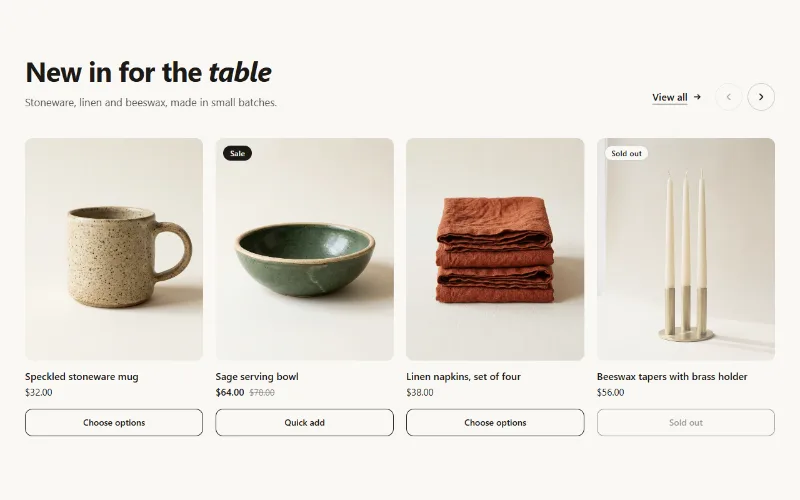
Product and collection discovery
Featured collection
Product cards from one collection as a grid or swipeable carousel, with hover image, sale and sold-out badges, and a quick add button.
