Press quotes
"As seen in" press quotes with each publication's logo, as quote cards or a rotator where the logos switch the quote. Pause button, no fake logos.
- Category
- Social proof and trust
- Use on
- Home, About, Landing pages
- Reads
- Content only
- Size
- 21 KB, small script included
- License
- MIT, free for client work
In short
Press quotes is a free Shopify section for "as seen in" coverage: short quotes with each publication's logo or name, shown as a row of quote cards or as a rotator where the logos below switch the large quote. The rotator is built as accessible tabs, can rotate on its own with a pause button, stops while hovered or focused and never moves when reduced motion is on; without JavaScript every quote shows. Each quote can link to the article. Every quote, name and logo is yours to add, so use only coverage you actually received. Online Store 2.0, without an app.
When to use it
- An "As seen in" strip on the home page after the hero
- Press coverage on an About or brand story page
- Launch landing pages that quote early reviews from magazines or blogs
In the theme editor
- Heading (tag H1–H3 or paragraph, label style or two sizes)
- Quote blocks (up to 8): quote, publication name, logo, article link, new tab
- Quote cards or a rotator with logo tabs, rotation time with pause and play labels
- Quote size, quotation mark, logo height, grayscale logos
- Page or full width, alignment per device
- Background color or gradient, text, accent and card colors
- Top and bottom padding per device, show on desktop/mobile only, anchor ID, fade between quotes
Files
sections/lib-press-quotes.liquidView the code
Written in plain Liquid and CSS with a small script. No app, no dependencies.
How to add it to your theme
- Copy the section file into your theme’s sections folder, and any snippet it lists into snippets.
- In the theme editor, choose Add section and pick the one that starts with “Lib ·”.
- Replace the sample text with your store’s own, and set the colors to match your brand.
Questions
- Do the publication logos come with the section?
- No. You upload each logo (or leave it empty to show the publication's name in text) and type the quote. The demo uses made-up publications. Show only coverage you received and logos you may use.
- Does the rotator move on its own?
- Only if you set a time (1–12 seconds). Shoppers then get a pause button, rotation stops while the pointer or keyboard focus is on the quotes, and it never rotates when reduced motion is on, in line with WCAG 2.2.2.
- Can shoppers choose a quote themselves?
- Yes. The logos are tabs: click or tap one, or use the arrow keys, Home and End, to show its quote. The selected logo is marked and announced to screen readers.
- Can quotes link to the article?
- Yes. Add the article's URL to a quote; the logo or name becomes the link, optionally opening in a new tab with a screen-reader notice.
Before you publish
- The text in the demos is sample content. Replace it with facts about your own store before you publish.
- Animations are switched off for visitors who ask for reduced motion.
- We check every file with Shopify Theme Check before publishing it here.
Need it adapted to your theme, or a section that isn’t here? See Shopify theme development.
More sections
Social proof and trust
Logo cloud
A static grid or row of press, partner or stockist logos with grayscale-to-color hover, separator lines or cards, and logo height per device.
Social proof and trust
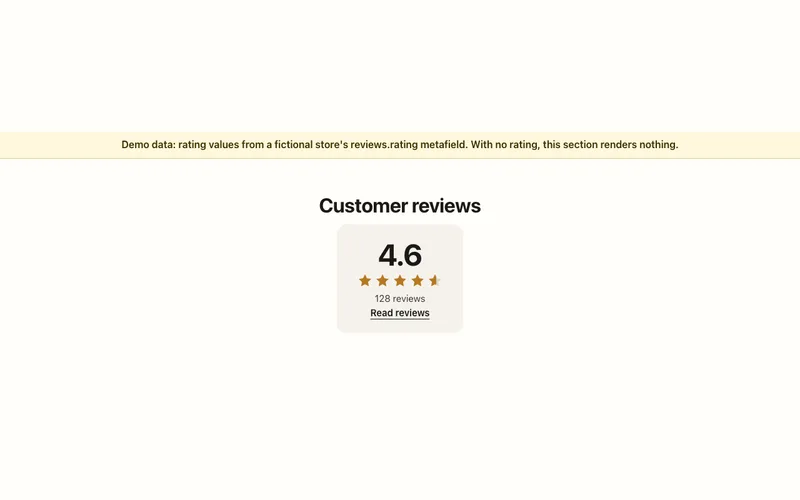
Reviews summary
Star rating and review count from your review app's reviews.rating metafields, linked to the reviews. Shows nothing when a product has no rating.
Social proof and trust
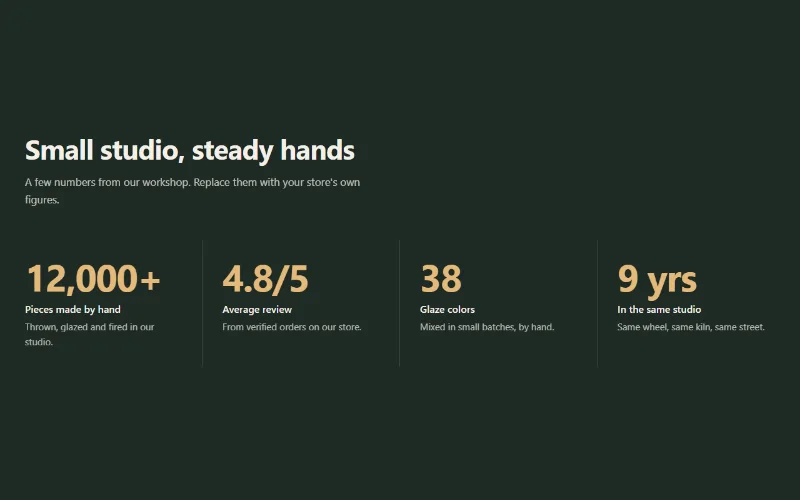
Stats counter
Up to 6 figures with label, description and icon that count up when scrolled into view. Row with dividers, cards, or big numbers beside the heading.
