Reviews summary
Star rating and review count from your review app's reviews.rating metafields, linked to the reviews. Shows nothing when a product has no rating.
- Category
- Social proof and trust
- Use on
- Product, Landing pages
- Reads
- Product rating metafields (reviews.rating, reviews.rating_count) or a review app block
- Size
- 15 KB, no JavaScript
- License
- MIT, free for client work
In short
Reviews summary is a free Shopify section that shows a product's average star rating and review count from the standard reviews.rating and reviews.rating_count metafields that most review apps fill in, with a link down to the reviews. A review app's own block can also be placed inside it. When a product has no rating it renders nothing for shoppers, so it never shows sample or made-up ratings. It works in Online Store 2.0 themes with Liquid and CSS only.
When to use it
- Star rating near the top of a product page that jumps to the review app's section
- Rating line on a landing page built around one product, using the product picker
- A home for a review app's block when the theme has no place for it
In the theme editor
- Product picker (empty on product templates), optional heading with tag and size
- Review count and scale on or off, link to the reviews anchor with its text
- Editable words: Rated, out of, review, reviews
- One-line or card style with a large number, star size
- Page or full width, alignment per device
- Background or gradient, text, star, empty star and card colors
- Top and bottom padding per device, show on desktop/mobile only, anchor ID, star fill on load
- App blocks from review apps
Files
sections/lib-reviews-summary.liquidView the code
Written in plain Liquid and CSS, with no JavaScript. No app, no dependencies.
How to add it to your theme
- Copy the section file into your theme’s sections folder, and any snippet it lists into snippets.
- In the theme editor, choose Add section and pick the one that starts with “Lib ·”.
- Replace the sample text with your store’s own, and set the colors to match your brand.
Questions
- Where does the rating come from?
- From the product metafields reviews.rating (Shopify's rating type, with its scale) and reviews.rating_count. Shopify's own Product Reviews app used them and many review apps still write them; check your app's settings for "sync ratings to metafields" or similar.
- What happens if a product has no reviews?
- Shoppers see nothing: the section renders no HTML at all. In the theme editor it shows a short note so you know why it is empty. It never shows placeholder stars or sample numbers.
- Does it add review structured data for Google?
- No. Rating markup belongs next to the reviews themselves, and review apps and themes usually output it already; a second copy here could conflict. The section only displays the rating.
- Can I use my review app's widget instead?
- Yes. Add the app's block inside the section (Add block, then Apps). It shows with or without the metafield rating, so you can use either or both.
- Is the rating readable by screen readers?
- Yes. The stars are decorative; screen readers hear one sentence such as "Rated 4.6 out of 5, 128 reviews", and every word in it is a setting you can translate.
Before you publish
- The text in the demos is sample content. Replace it with facts about your own store before you publish.
- Animations are switched off for visitors who ask for reduced motion.
- We check every file with Shopify Theme Check before publishing it here.
Need it adapted to your theme, or a section that isn’t here? See Shopify theme development.
More sections
Social proof and trust
Logo cloud
A static grid or row of press, partner or stockist logos with grayscale-to-color hover, separator lines or cards, and logo height per device.
Social proof and trust
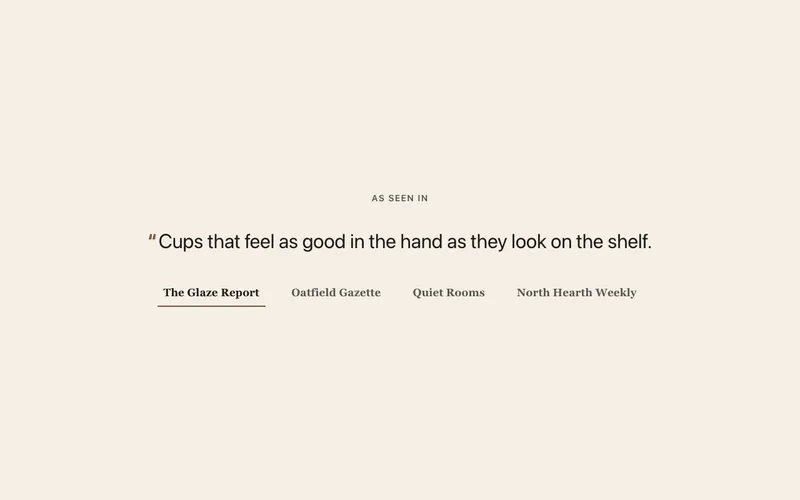
Press quotes
"As seen in" press quotes with each publication's logo, as quote cards or a rotator where the logos switch the quote. Pause button, no fake logos.
Social proof and trust
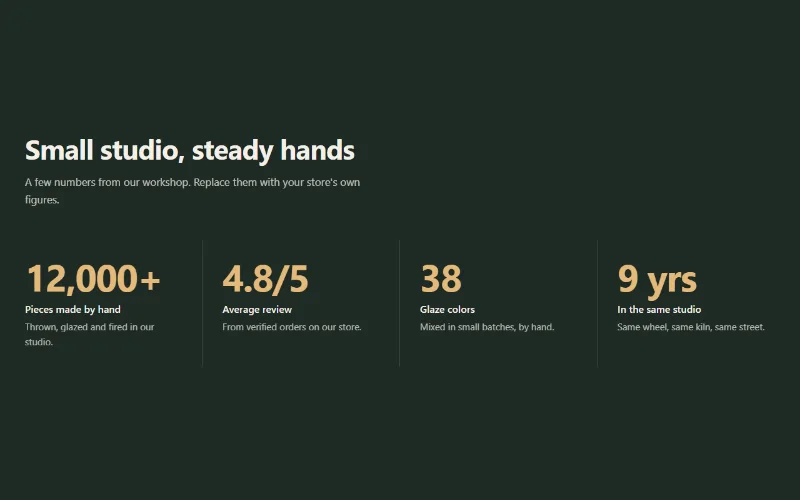
Stats counter
Up to 6 figures with label, description and icon that count up when scrolled into view. Row with dividers, cards, or big numbers beside the heading.
