Sticky promo bar
A sticky announcement bar with a discount code copy button, a start and end time and a close button that's remembered. Fixed bottom or pinned top.
- Category
- Conversion and offers
- Use on
- Every page, Home, Collection
- Reads
- Content only
- Size
- 21 KB, small script included
- License
- MIT, free for client work
In short
Sticky promo bar is a free Shopify section for a short offer that stays on screen: a message, an optional discount code with a copy button and a link, fixed to the bottom of the screen or pinned to the top once the shopper scrolls past it. It can run between a start and end time in the store's time zone, checked by Liquid and again in the browser so a cached page never shows an ended offer, and a close button hides it for the number of days you choose. The code is text you type: the discount is created in Shopify. It works in Online Store 2.0 themes without an app.
When to use it
- A weekend sale with a discount code shoppers can copy in one tap
- A launch or holiday message that starts and ends on its own at set times
- A bottom bar on mobile with a link to the sale collection
In the theme editor
- Message, discount code with text before it, copy button and copied message
- Link with text, solid/outline/text style and new tab
- Fixed to the bottom, or in place and pinned to the top on scroll with a top distance
- Start and end time in the store's time zone
- Close button, its screen-reader label and how many days it stays closed
- Page or full width, alignment per device
- Background color or gradient, text, copy button and copy button text colors
- Top and bottom padding per device, show on desktop/mobile only, anchor ID, slide in
Files
sections/lib-sticky-promo-bar.liquidView the code
snippets/lib-button.liquidView the code
Written in plain Liquid and CSS with a small script. No app, no dependencies.
How to add it to your theme
- Copy the section file into your theme’s sections folder, and any snippet it lists into snippets.
- In the theme editor, choose Add section and pick the one that starts with “Lib ·”.
- Replace the sample text with your store’s own, and set the colors to match your brand.
Questions
- Does it create the discount code?
- No. Create the discount under Discounts in the Shopify admin, then type the same code in the section. The copy button copies exactly what you typed.
- How does the schedule work?
- Type a start and end as YYYY-MM-DD HH:MM in the store's time zone. Liquid leaves the bar out outside that window, and the script checks the time again in the browser, so a page served from a cache doesn't show the bar after it ends. Leave both empty to show it always.
- How long does it stay closed after a shopper closes it?
- For the number of days you set (0–30), stored in the shopper's browser. With 0 it stays closed until the tab is closed. Changing the message or code shows the new offer again, even to shoppers who closed the old one.
- Will it cover my sticky header?
- Pinned to the top, the bar sits at the distance you set, so use your sticky header's height. Fixed to the bottom, the section adds matching space at the end of the page so it never hides the footer.
- Is it accessible?
- The bar is a labelled region, the copy and close buttons are real buttons with visible focus and at least 32 px tall, "Code copied" is announced to screen readers, and the slide-in is off when reduced motion is on.
Before you publish
- The text in the demos is sample content. Replace it with facts about your own store before you publish.
- Animations are switched off for visitors who ask for reduced motion.
- We check every file with Shopify Theme Check before publishing it here.
Need it adapted to your theme, or a section that isn’t here? See Shopify theme development.
More sections
Conversion and offers
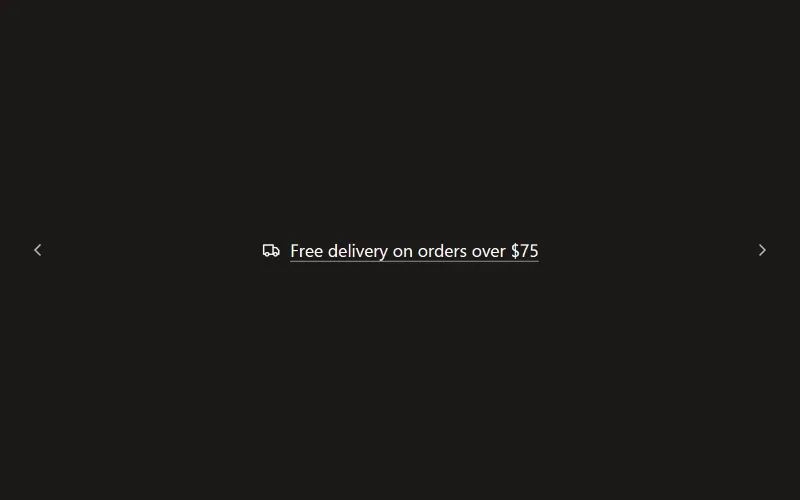
Announcement bar
Slim bar with up to six messages that rotate with a fade or slide, optional arrows, icons, links and a close button that remembers each campaign.
Conversion and offers
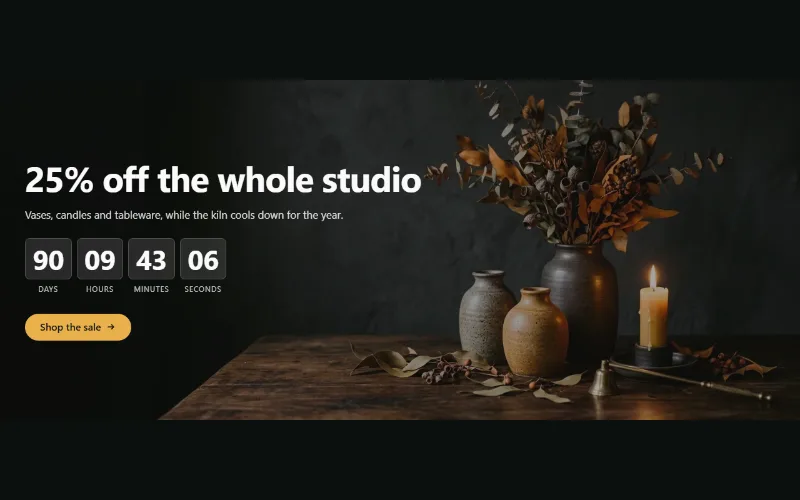
Countdown banner
Sale or launch banner with a live countdown to a set date and time: bar, banner or split layout, background image per device and a chosen end state.
Conversion and offers
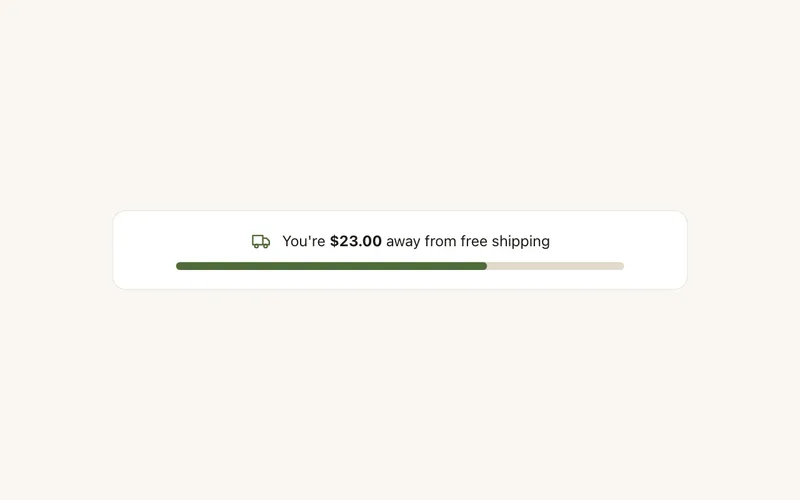
Free shipping bar
"You're $23 away from free shipping" with a progress bar, from the live cart and your threshold. Updates with cart drawers, per-currency thresholds, no app.
