UGC gallery
An Instagram-style grid of customer photos you upload, each linking to the product in it with name and price. No Instagram API, no embed, no app.
- Category
- Social proof and trust
- Use on
- Home, Product, About
- Reads
- Uploaded photos, products
- Size
- 21 KB, no JavaScript
- License
- MIT, free for client work
In short
UGC gallery is a free Shopify section that shows customer photos in an Instagram-style grid: you upload the photos customers shared with you, and each one can link to the product in it, with the product's name and price from your store, plus an optional credit. Nothing loads from Instagram or another service, so there is no API token to renew, no third-party script and no tracking; the photos are served by Shopify like any theme image, with responsive sizes. A button below can point to your hashtag page or a submission form. Pure Liquid and CSS for Online Store 2.0 themes.
When to use it
- A "Seen in your homes" grid on the home page with links to each product
- Customer photos on a product page, showing the product in real use
- A community page with a button that invites shoppers to share their photos
In the theme editor
- Heading (tag H1–H3 or paragraph, three sizes), intro text and a button with style and new tab
- Photo blocks (up to 24): photo and mobile photo, credit, product in the photo
- Product label with text before the name and price
- Columns on desktop (2–6) and mobile (1–3), square or portrait photos, gap, corner radius
- Page or full width, heading alignment per device
- Background color or gradient, text, accent, text on accent and product label colors
- Top and bottom padding per device, show on desktop/mobile only, anchor ID, photo zoom on hover
Files
sections/lib-ugc-gallery.liquidView the code
snippets/lib-image.liquidView the code
snippets/lib-button.liquidView the code
Written in plain Liquid and CSS, with no JavaScript. No app, no dependencies.
How to add it to your theme
- Copy the section file into your theme’s sections folder, and any snippet it lists into snippets.
- In the theme editor, choose Add section and pick the one that starts with “Lib ·”.
- Replace the sample text with your store’s own, and set the colors to match your brand.
Questions
- Does it connect to Instagram?
- No. You upload the photos to the section yourself. That avoids Instagram's API, tokens that expire and third-party embeds that slow the page, and you choose exactly which photos appear.
- Can I use customers' photos?
- Only with their permission. Ask before you post a photo, credit them the way they agree to, and keep a record of their consent. The demo uses generated photos, not real customers.
- How do product links work?
- Pick a product on a photo's block: a label with the product's name and price (from your store, so it's always current) links to its page. On mobile the label shows the name only, to save space.
- How many photos can I add?
- Up to 24, in 2–6 columns on desktop and 1–3 on mobile, square or portrait. Set alt text for each photo in its image details so screen readers can describe it.
Before you publish
- The text in the demos is sample content. Replace it with facts about your own store before you publish.
- Animations are switched off for visitors who ask for reduced motion.
- We check every file with Shopify Theme Check before publishing it here.
Need it adapted to your theme, or a section that isn’t here? See Shopify theme development.
More sections
Social proof and trust
Logo cloud
A static grid or row of press, partner or stockist logos with grayscale-to-color hover, separator lines or cards, and logo height per device.

Social proof and trust
Press quotes
"As seen in" press quotes with each publication's logo, as quote cards or a rotator where the logos switch the quote. Pause button, no fake logos.
Social proof and trust
Reviews summary
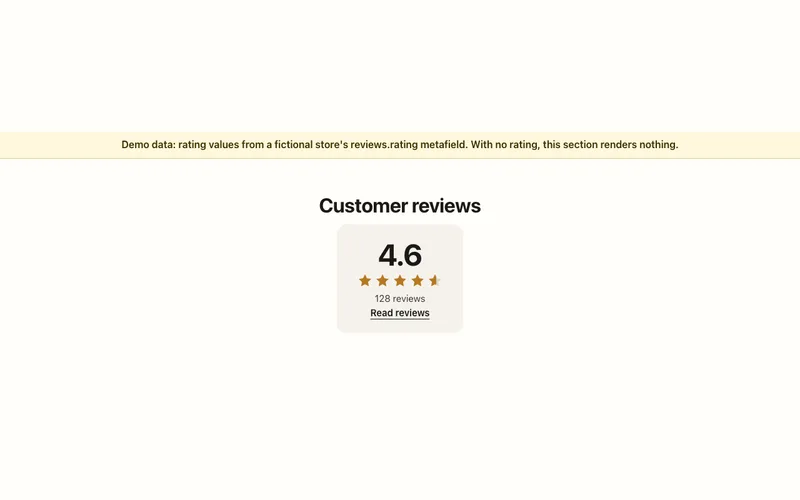
Star rating and review count from your review app's reviews.rating metafields, linked to the reviews. Shows nothing when a product has no rating.
