Store locator
Store cards with address, opening hours, phone and a directions link to Google Maps, Apple Maps or OpenStreetMap, and a city filter. No map API key.
- Category
- Navigation and utility
- Use on
- Contact, Stockists, About
- Reads
- Content only
- Size
- 24 KB, small script included
- License
- MIT, free for client work
In short
Store locator is a free Shopify section that lists your shops, stockists or showrooms as cards with a photo, address, opening hours, phone, email, a short note and a "Get directions" link. The link opens the address in Google Maps, Apple Maps or OpenStreetMap, or uses a map link you paste, so there is no maps API, key or embedded map to pay for or load. With stores in more than one city, a city filter appears and announces how many stores it shows. It works in Online Store 2.0 themes without an app.
When to use it
- A Visit us or Stores page for a brand with a few shops
- A stockists page listing the shops that carry your products, by city
- Showroom or pickup locations with opening hours on a contact page
In the theme editor
- Heading (tag H1–H3 or paragraph, three sizes) and intro text
- Store blocks: name, city, address, opening hours, phone, email, note, own map link, image and mobile image
- City filter with label, all cities option and result message; city on each card
- Map links to Google Maps, Apple Maps or OpenStreetMap, link text, new tab with screen-reader notice
- Columns on desktop (1–4), plain or card style, image shape, page or full width, heading alignment per device
- Background color or gradient, text, accent, text on accent and card colors
- Top and bottom padding per device, show on desktop/mobile only, anchor ID, fade in on scroll
Files
sections/lib-store-locator.liquidView the code
snippets/lib-image.liquidView the code
Written in plain Liquid and CSS with a small script. No app, no dependencies.
How to add it to your theme
- Copy the section file into your theme’s sections folder, and any snippet it lists into snippets.
- In the theme editor, choose Add section and pick the one that starts with “Lib ·”.
- Replace the sample text with your store’s own, and set the colors to match your brand.
Questions
- Does it need a Google Maps API key?
- No. There is no embedded map. Each store's "Get directions" link opens a search for its name and address in Google Maps, Apple Maps or OpenStreetMap, or the share link you paste into the block, in the shopper's own maps app.
- How does the city filter work?
- The cities come from the City field of your store blocks. With two or more different cities, a labelled drop-down appears; choosing one hides the other stores and a status line such as "2 of 3 stores" is read out. Without JavaScript every store shows.
- How many stores can I add?
- Up to 30 blocks. For hundreds of stockists, a dedicated locator app with search by distance is the better tool.
- Can shoppers call or email a store from the card?
- Yes. The phone number becomes a tel: link and the email a mailto: link, both shown only when you fill them in.
Before you publish
- The text in the demos is sample content. Replace it with facts about your own store before you publish.
- Animations are switched off for visitors who ask for reduced motion.
- We check every file with Shopify Theme Check before publishing it here.
Need it adapted to your theme, or a section that isn’t here? See Shopify theme development.
More sections
Navigation and utility
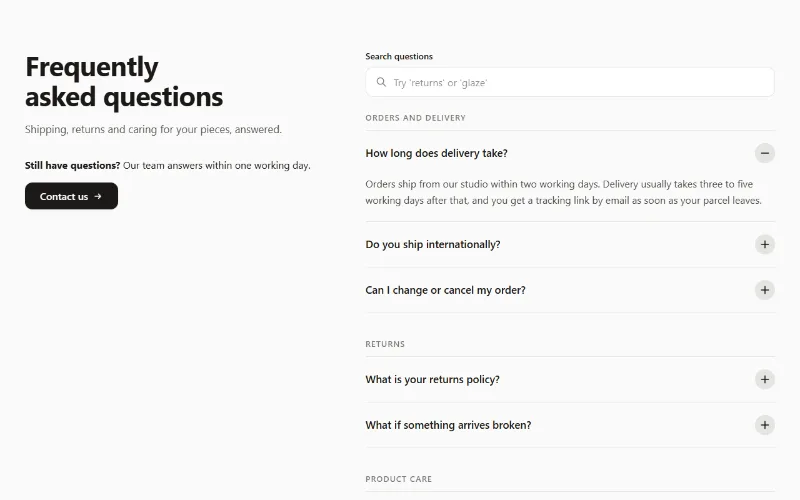
FAQ accordion
FAQ accordion on native details elements: up to 30 questions, optional groups, search filter, one-open mode and optional FAQPage structured data.
Hero and banners
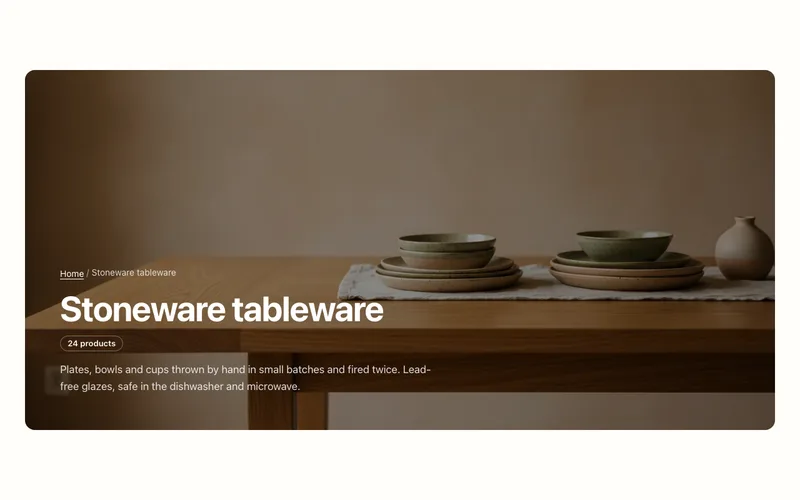
Collection banner
Collection page header with the collection's title, description, image and product count, over the image or beside it, plus an optional breadcrumb.
Hero and banners
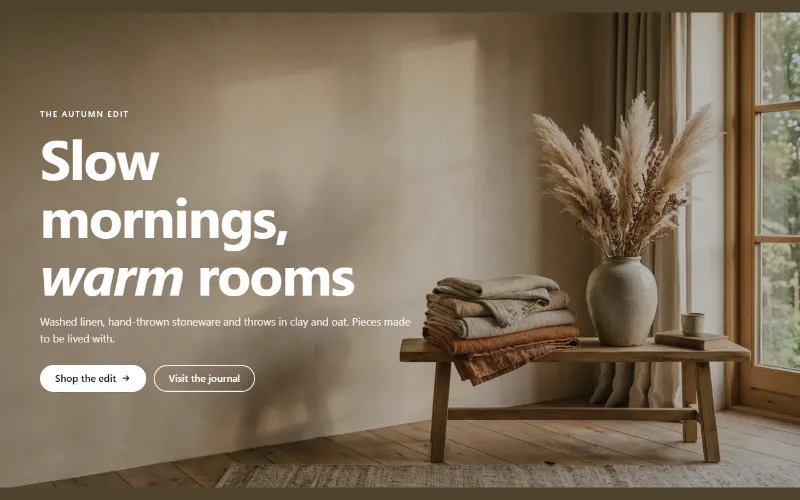
Hero banner
A full-bleed image banner with eyebrow, heading, text and two buttons over it, a separate mobile image, overlay, nine content positions and height per device.
