Video hero
A full-width muted background video with text and buttons on top, a separate mobile video, poster images and a pause button. Loads the video only on screen.
- Category
- Hero and banners
- Use on
- Home, Collection, Landing pages
- Reads
- Shopify-hosted video
- Size
- 34 KB, small script included
- License
- MIT, free for client work
In short
Video hero is a free Shopify section that plays a muted, looping Shopify-hosted video behind a heading, text and up to two buttons, with an optional separate video for mobile. Poster images show first and stay when motion is reduced, a pause button is always there, and the video file only loads when the section is on screen. It works in Online Store 2.0 themes without an app.
When to use it
- Home page opening that shows a product being made, worn or used
- Campaign or launch landing page with a short brand film behind the headline
- Collection page header with a looping clip of the range in use
In the theme editor
- Desktop and mobile video (Shopify-hosted), desktop and mobile poster image with their own focal points
- Pause and play button labels for screen readers
- Overlay color and opacity
- Eyebrow, heading, text; heading tag (H1–H3 or paragraph) and size
- Up to 2 button blocks: solid, outline or text link, optional new tab
- Height per device: small, medium, large or full screen
- Content position: 9 positions on desktop, top/middle/bottom and alignment on mobile; optional solid content box
- Full or page width with corner radius; background, text, button and box colors
- Top and bottom padding per device, show on desktop/mobile only, anchor ID, text animation on load
Files
sections/lib-video-hero.liquidView the code
snippets/lib-image.liquidView the code
snippets/lib-button.liquidView the code
Written in plain Liquid and CSS with a small script. No app, no dependencies.
How to add it to your theme
- Copy the section file into your theme’s sections folder, and any snippet it lists into snippets.
- In the theme editor, choose Add section and pick the one that starts with “Lib ·”.
- Replace the sample text with your store’s own, and set the colors to match your brand.
Questions
- Where does the video come from?
- You upload it to Shopify in the section's video setting, so it is hosted by Shopify; no YouTube or Vimeo player loads. The section picks the largest MP4 Shopify made from your upload that is no wider than the screen needs: up to 1920px on desktop and 1080px for the mobile video.
- Can I use a different video on mobile?
- Yes. Add a mobile video and it plays below 750px instead of the desktop one, which is then never downloaded on phones. Without a mobile video the desktop video plays everywhere. Desktop and mobile poster images are set separately too, each with its own focal point.
- Is it accessible?
- The video is muted, decorative and hidden from screen readers. A pause and play button sits in the corner whenever a video can play, with labels you can change in the editor. Visitors whose device asks for reduced motion see the poster image and can start the video with the play button.
- Will it slow my page down?
- The poster image loads like any hero image (eagerly when the section is near the top of the page). The video file is only requested once the section is on screen, it pauses when scrolled away or when the browser tab is hidden, and the script is a small custom element with no library.
- What happens without JavaScript or when autoplay is blocked?
- The poster image stays, with the text and buttons on top. If a browser refuses to autoplay (for example in data saver mode), the button switches to play so the visitor can start it.
Before you publish
- The text in the demos is sample content. Replace it with facts about your own store before you publish.
- Animations are switched off for visitors who ask for reduced motion.
- We check every file with Shopify Theme Check before publishing it here.
Need it adapted to your theme, or a section that isn’t here? See Shopify theme development.
More sections
Hero and banners
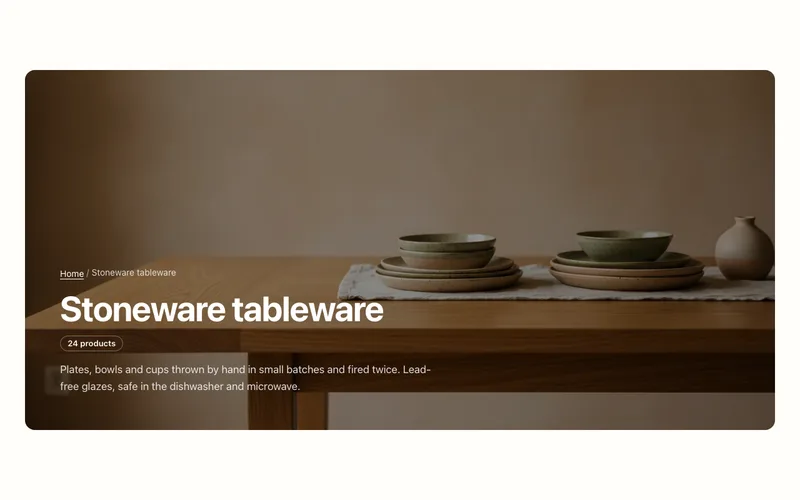
Collection banner
Collection page header with the collection's title, description, image and product count, over the image or beside it, plus an optional breadcrumb.
Hero and banners
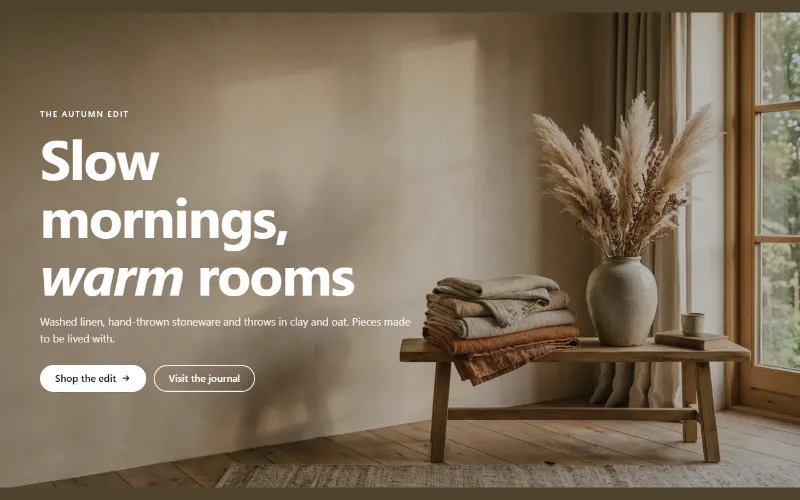
Hero banner
A full-bleed image banner with eyebrow, heading, text and two buttons over it, a separate mobile image, overlay, nine content positions and height per device.
Hero and banners
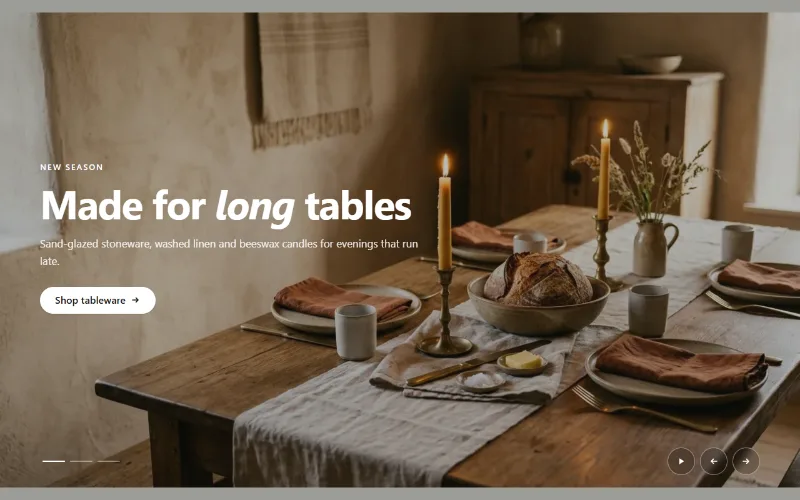
Hero slideshow
A full-width hero slideshow of up to six slides, each with its own desktop and mobile image, overlay, text and button. Swipe, autoplay, arrows and dots.
