How it works
Numbered steps with icons joined by a line, for subscriptions, made-to-order products or services: a row on desktop, stacked on mobile, with a button.
- Category
- Content and storytelling
- Use on
- Home, Product, Landing pages
- Reads
- Content only
- Size
- 22 KB, no JavaScript
- License
- MIT, free for client work
In short
How it works is a free Shopify section that explains a process in numbered steps: each step has a number or an icon, a title and a short text, joined by a line, in a row on desktop (or a column) and stacked on mobile. The numbers follow the order of the blocks, so reordering steps renumbers them, and an optional button after the last step leads to the next action. It suits subscriptions, made-to-order and personalised products, services and returns. Built as an ordered list in pure Liquid and CSS for Online Store 2.0 themes, without an app.
When to use it
- How a subscription works: choose, receive, pause or skip
- How made-to-order or personalised products are made and delivered
- How returns or repairs work, on a help or policy page
In the theme editor
- Heading (tag H1–H3 or paragraph, three sizes), intro text and a button with style and new tab
- Step blocks (up to 6): icon or custom icon, title, text
- Row or column on desktop, number or icon markers, step label, plain or card steps, connecting line
- Page or full width, alignment per device
- Background color or gradient, text, marker, text on marker, card and line colors
- Top and bottom padding per device, show on desktop/mobile only, anchor ID, fade in on scroll
Files
sections/lib-how-it-works.liquidView the code
snippets/lib-button.liquidView the code
Written in plain Liquid and CSS, with no JavaScript. No app, no dependencies.
How to add it to your theme
- Copy the section file into your theme’s sections folder, and any snippet it lists into snippets.
- In the theme editor, choose Add section and pick the one that starts with “Lib ·”.
- Replace the sample text with your store’s own, and set the colors to match your brand.
Questions
- How many steps can I add?
- Up to six, one block each. In the row layout they share the width evenly; for more detail per step, use the column layout.
- Can I use icons instead of numbers?
- Yes. Switch the marker to Icon: each step picks one of eleven line icons or your own image, and an optional label such as "Step 2" keeps the order visible.
- Do the numbers update when I reorder steps?
- Yes. Numbers come from the list order, and the steps are an ordered list in the HTML, so screen readers announce the step count and position too.
- Can I add a call to action?
- Yes, one button after the last step with solid, outline or text style and an optional new tab, for example "Start your order".
Before you publish
- The text in the demos is sample content. Replace it with facts about your own store before you publish.
- Animations are switched off for visitors who ask for reduced motion.
- We check every file with Shopify Theme Check before publishing it here.
Need it adapted to your theme, or a section that isn’t here? See Shopify theme development.
More sections
Content and storytelling
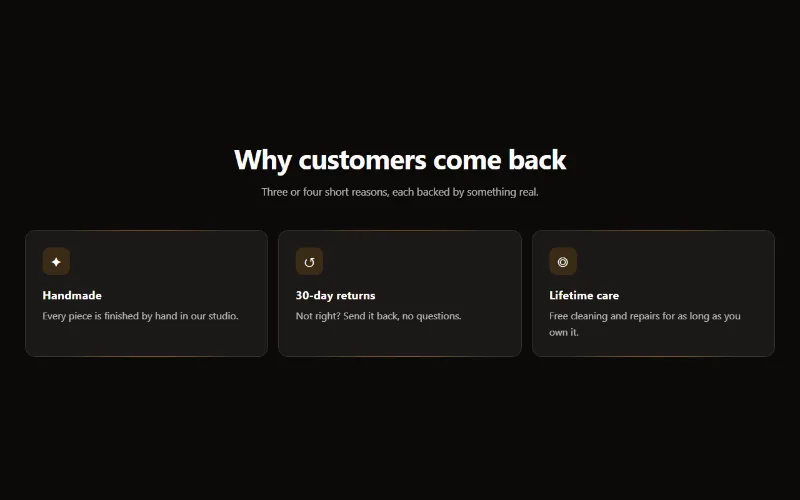
Feature cards
Two to four columns of cards with an icon, title and text. On desktop a soft glow follows the pointer; on touch screens the cards show without it.
Content and storytelling
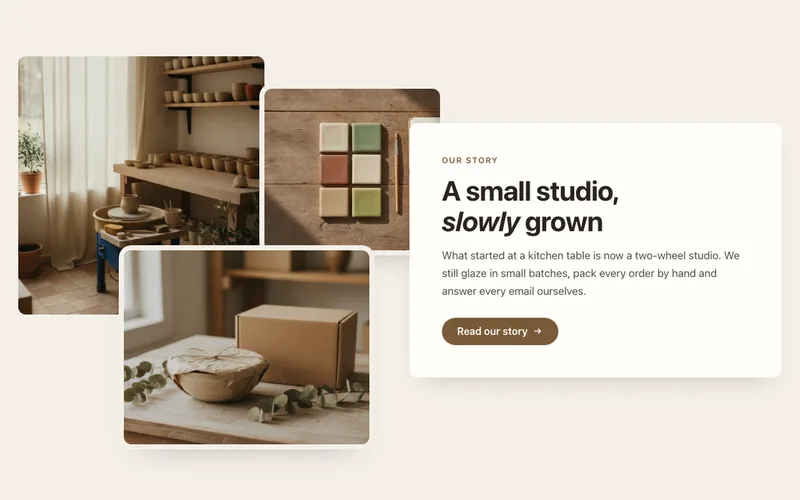
Image collage
Two or three overlapping photos beside a text card with heading, text and a button, for About pages. A tidy grid on mobile. Liquid and CSS only.
Content and storytelling
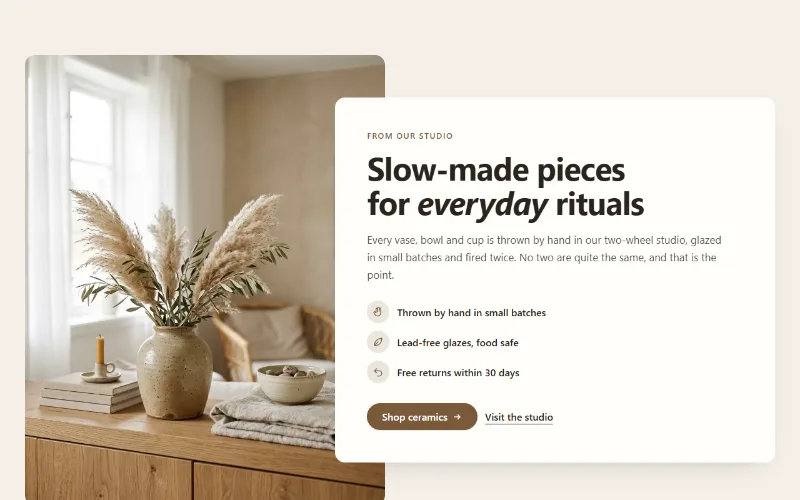
Image with text
An image beside a heading, text, up to four icon points and two buttons. Set image width, side and shape; the text can sit in a card that overlaps the image.
