Image collage
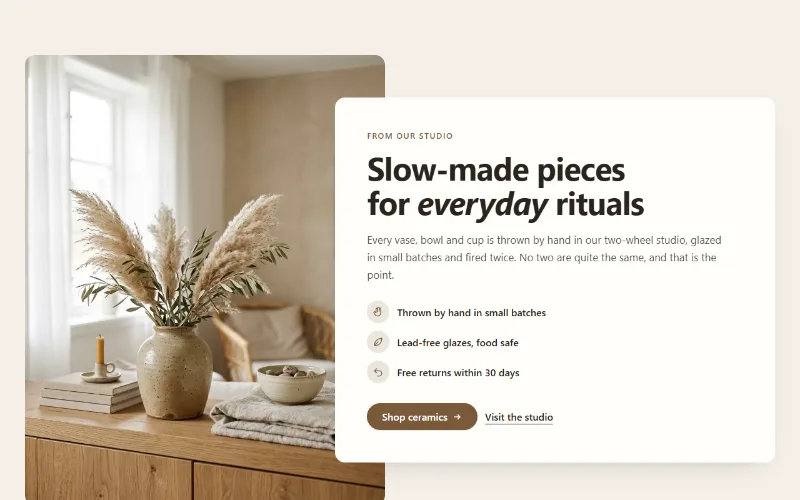
Two or three overlapping photos beside a text card with heading, text and a button, for About pages. A tidy grid on mobile. Liquid and CSS only.
- Category
- Content and storytelling
- Use on
- About, Home, Landing pages
- Reads
- Content only
- Size
- 22 KB, no JavaScript
- License
- MIT, free for client work
In short
Image collage is a free Shopify section that layers two or three photos into an overlapping collage beside a text card with an eyebrow, heading, text and a button. The images sit left or right, the card can overlap them on desktop, and on mobile the photos fall into a tidy grid (the first full width, the others side by side) above or below the card. Each image has its own mobile version and focal point. It is written in Liquid and CSS only, with no JavaScript, for Online Store 2.0 themes.
When to use it
- An About page block that shows the workshop, the materials and the packing table next to the brand's story
- A home page introduction to a new collection with a few lifestyle shots and a link to it
- A landing page section that tells how a product is made without a full gallery
In the theme editor
- Text card: eyebrow, heading (H1–H3 or paragraph tag, four sizes), rich text and a button (solid, outline or text link, optional new tab)
- One to three image blocks, each with a desktop and a mobile image and focal points
- Images left or right on desktop, card overlap from 0 to 160px, corner radius
- Order on mobile (images or text first), page or full width, text alignment per device
- Background color or gradient (also the ring between images), text, accent, text on accent and card colors
- Top and bottom padding per device, show on desktop/mobile only, anchor ID, rise in on scroll
Files
sections/lib-image-collage.liquidView the code
snippets/lib-image.liquidView the code
snippets/lib-button.liquidView the code
Written in plain Liquid and CSS, with no JavaScript. No app, no dependencies.
How to add it to your theme
- Copy the section file into your theme’s sections folder, and any snippet it lists into snippets.
- In the theme editor, choose Add section and pick the one that starts with “Lib ·”.
- Replace the sample text with your store’s own, and set the colors to match your brand.
Questions
- How many images does it take?
- One to three; each is a block you can reorder in the theme editor. With three, the first is the largest and the other two overlap it; with two, they overlap diagonally; with one, it fills the image side.
- Does the collage still work on phones?
- Yes, but without overlaps: below 750px the first image runs full width and the others sit side by side under it, so nothing covers anything on a small screen. You can put the text card before or after the images and give each image a separate mobile version.
- Where does the alt text come from?
- From each image in Shopify's Files, where you set it once; screen readers read the images in block order, then the text card.
- Can the card overlap the images?
- Yes. "Card overlaps images on desktop" moves the card over the collage by up to 160px; 0 keeps it beside the images. The card stays above the photos and keeps its own background color, so the text stays readable.
Before you publish
- The text in the demos is sample content. Replace it with facts about your own store before you publish.
- Animations are switched off for visitors who ask for reduced motion.
- We check every file with Shopify Theme Check before publishing it here.
Need it adapted to your theme, or a section that isn’t here? See Shopify theme development.
More sections

Content and storytelling
Feature cards
Two to four columns of cards with an icon, title and text. On desktop a soft glow follows the pointer; on touch screens the cards show without it.
Content and storytelling
How it works
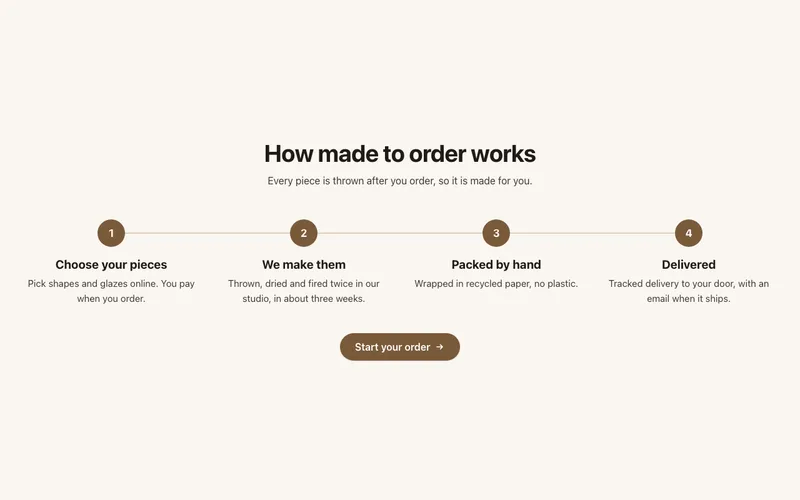
Numbered steps with icons joined by a line, for subscriptions, made-to-order products or services: a row on desktop, stacked on mobile, with a button.
Content and storytelling
Image with text
An image beside a heading, text, up to four icon points and two buttons. Set image width, side and shape; the text can sit in a card that overlaps the image.
