Meet the team
Team member cards with photo, name, role, short bio and email or profile link, in 2–5 columns with rectangle or circle photos. For About pages.
- Category
- Content and storytelling
- Use on
- About, Contact, Landing pages
- Reads
- Content only
- Size
- 17 KB, no JavaScript
- License
- MIT, free for client work
In short
Meet the team is a free Shopify section that introduces the people behind a store: cards with a photo, name, role, a short bio and an optional email and profile link (Instagram, portfolio, LinkedIn). Photos can be portrait, square or circles, each with a separate mobile photo and focal point, in two to five columns on desktop and one or two on mobile, plain or as cards. Each person is a block you can reorder. Pure Liquid and CSS for Online Store 2.0 themes, without an app.
When to use it
- An About page that puts faces and names to a small brand
- A contact page listing who handles orders, wholesale and press
- A makers page for a brand that works with several artisans
In the theme editor
- Heading (tag H1–H3 or paragraph, three sizes) and intro text
- Person blocks (up to 24): photo and mobile photo, name, role, short bio, email, profile link with text and new tab
- Columns on desktop (2–5) and mobile (1–2), portrait, square or circle photos, plain or card style
- Page or full width, alignment per device
- Background color or gradient, text, accent and card colors
- Top and bottom padding per device, show on desktop/mobile only, anchor ID, fade in on scroll
Files
sections/lib-team.liquidView the code
snippets/lib-image.liquidView the code
Written in plain Liquid and CSS, with no JavaScript. No app, no dependencies.
How to add it to your theme
- Copy the section file into your theme’s sections folder, and any snippet it lists into snippets.
- In the theme editor, choose Add section and pick the one that starts with “Lib ·”.
- Replace the sample text with your store’s own, and set the colors to match your brand.
Questions
- How many people can I add?
- Up to 24, one block each. Reorder them by dragging the blocks in the theme editor.
- Can I show circular photos?
- Yes. Choose portrait (4:5), square or circle for the whole section. Each photo honours its focal point, so faces stay in frame when cropped.
- Are the email addresses links?
- Yes, an email becomes a mailto: link, and the profile link uses the text you give it (for example Instagram), optionally opening in a new tab with a screen-reader notice.
- Is the markup accessible?
- The team is a list of articles, each with the person's name as a heading under the section's heading. Set alt text for each photo in its image details.
Before you publish
- The text in the demos is sample content. Replace it with facts about your own store before you publish.
- Animations are switched off for visitors who ask for reduced motion.
- We check every file with Shopify Theme Check before publishing it here.
Need it adapted to your theme, or a section that isn’t here? See Shopify theme development.
More sections
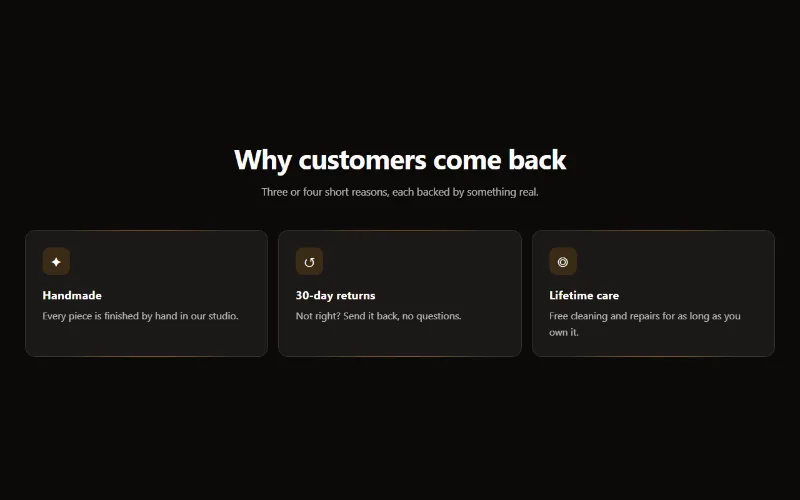
Content and storytelling
Feature cards
Two to four columns of cards with an icon, title and text. On desktop a soft glow follows the pointer; on touch screens the cards show without it.
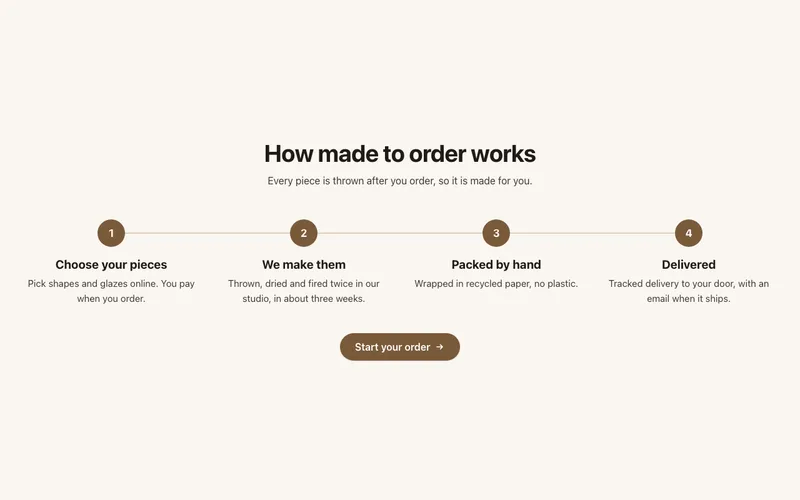
Content and storytelling
How it works
Numbered steps with icons joined by a line, for subscriptions, made-to-order products or services: a row on desktop, stacked on mobile, with a button.
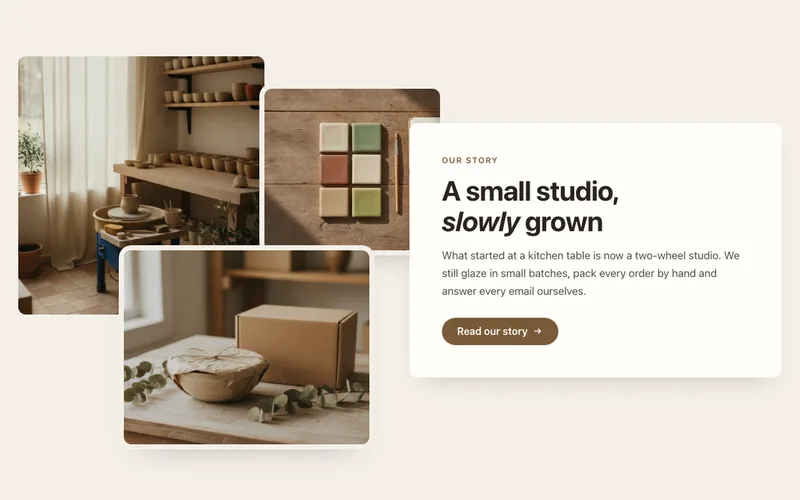
Content and storytelling
Image collage
Two or three overlapping photos beside a text card with heading, text and a button, for About pages. A tidy grid on mobile. Liquid and CSS only.
