Rich text
Eyebrow, headings, text and buttons as blocks in any order, at three reading widths, aligned per device, on a color, gradient or image with an overlay.
- Category
- Content and storytelling
- Use on
- Home, About, Collection, Landing pages, Any page
- Reads
- Content only
- Size
- 22 KB, no JavaScript
- License
- MIT, free for client work
In short
Rich text is a free Shopify section for a heading, a few paragraphs and buttons on their own: a brand statement, a care note or a short collection intro. Eyebrow, heading, text and buttons are blocks you can reorder, the text keeps a narrow, medium or wide reading width, alignment is set per device, and the background can be a color, a gradient or a desktop and mobile image under an overlay. It has no JavaScript and works in Online Store 2.0 themes without an app.
When to use it
- A short brand statement or mission line between image sections on the home page
- An introduction above a collection grid or at the top of an About page
- A campaign message on a background photo with a button to the sale
In the theme editor
- Blocks in any order: eyebrow, heading (tag H1–H3 or paragraph, four sizes), text (three sizes), buttons
- Two buttons per buttons block: solid, outline or text link, optional new tab
- Text width: narrow, medium or wide; page or full width
- Text alignment per device
- Optional desktop and mobile background image, each with its focal point; overlay color and opacity; panel corner radius
- Background color or gradient, text, accent and text-on-accent colors
- Top and bottom padding per device, show on desktop/mobile only, anchor ID, fade in on scroll
Files
sections/lib-rich-text.liquidView the code
snippets/lib-image.liquidView the code
snippets/lib-button.liquidView the code
Written in plain Liquid and CSS, with no JavaScript. No app, no dependencies.
How to add it to your theme
- Copy the section file into your theme’s sections folder, and any snippet it lists into snippets.
- In the theme editor, choose Add section and pick the one that starts with “Lib ·”.
- Replace the sample text with your store’s own, and set the colors to match your brand.
Questions
- How is it different from my theme's own rich text?
- It adds what theme versions often lack: a heading tag and size per heading block (H1 to H3 or a paragraph), three reading widths, text alignment set separately for desktop and mobile, an optional desktop and mobile background image with focal points and an overlay, and per-device padding, visibility and an anchor ID.
- Can I use it as the page's H1?
- Yes. Set the heading block's tag to H1 when this section holds the page's main heading, for example on a landing page built from sections. Keep one H1 per page; leave it on H2 everywhere else.
- How do I keep text readable on a background photo?
- Raise the overlay opacity (0 to 90 percent, in any color) and set a light text color. The image sits behind the text in a framed panel, so the copy never runs over the busiest part without the overlay.
- Does it slow the page down?
- No. It ships no JavaScript. The optional fade-in uses CSS scroll-driven animation in browsers that support it and is skipped under reduced motion. A background image loads eagerly only when the section is one of the first two on the page.
Before you publish
- The text in the demos is sample content. Replace it with facts about your own store before you publish.
- Animations are switched off for visitors who ask for reduced motion.
- We check every file with Shopify Theme Check before publishing it here.
Need it adapted to your theme, or a section that isn’t here? See Shopify theme development.
More sections
Content and storytelling
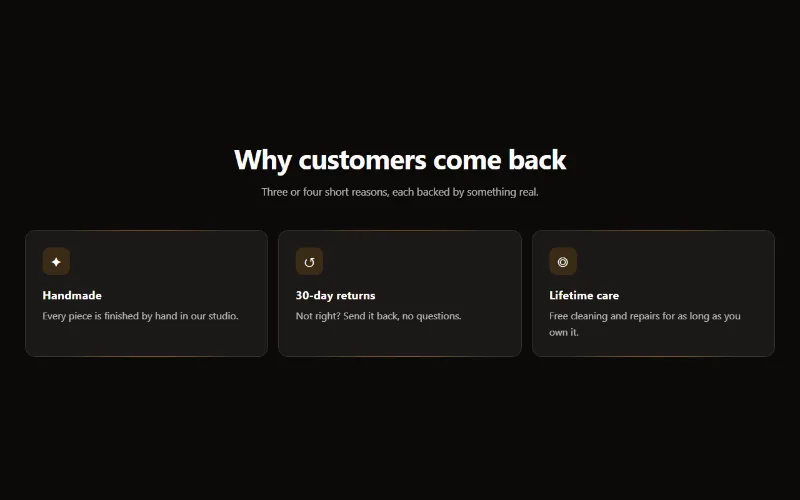
Feature cards
Two to four columns of cards with an icon, title and text. On desktop a soft glow follows the pointer; on touch screens the cards show without it.
Content and storytelling
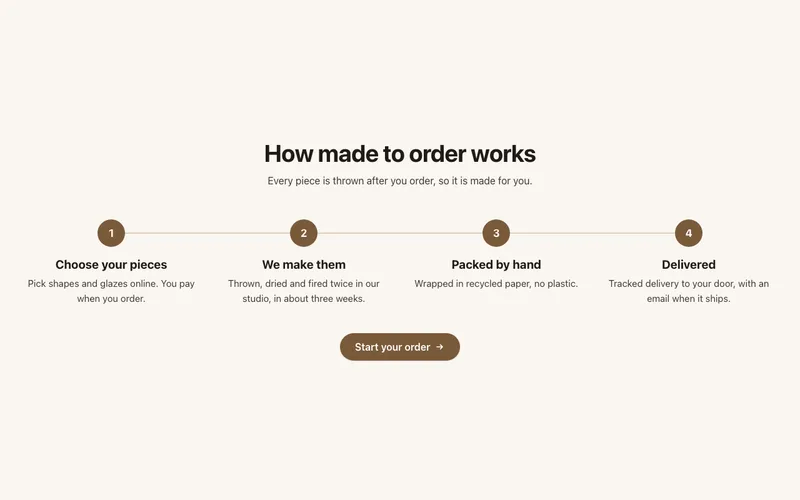
How it works
Numbered steps with icons joined by a line, for subscriptions, made-to-order products or services: a row on desktop, stacked on mobile, with a button.
Content and storytelling
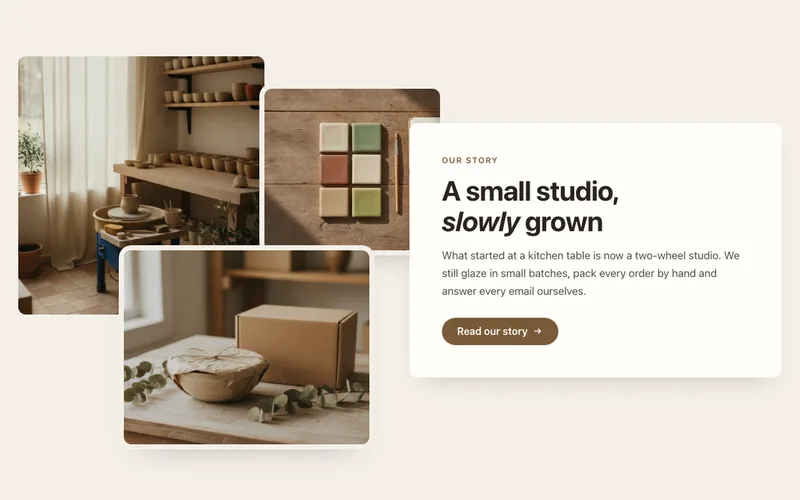
Image collage
Two or three overlapping photos beside a text card with heading, text and a button, for About pages. A tidy grid on mobile. Liquid and CSS only.
